Life, travel & events
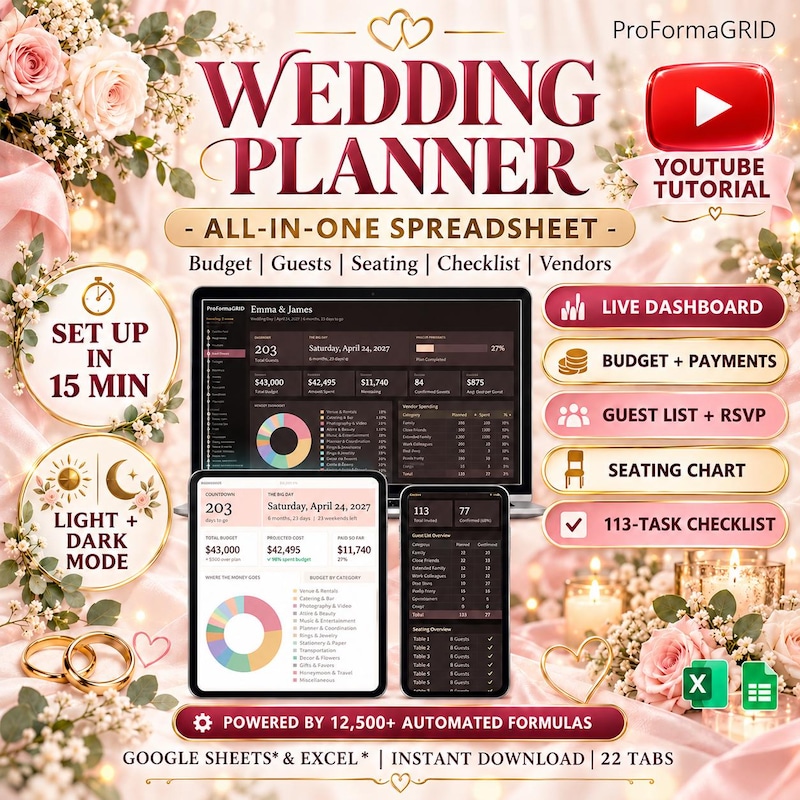
All-in-One Wedding Planner Spreadsheet
Budget · Guest List · Seating Chart
Excel + Google Sheets
$19.99
See product details The business you’re building. The money you’re planning. The projects you’re ready to move. Give your next chapter a clearer starting point.
Digital products · Instant download · Credit Card, Apple Pay & Google Pay
Real templates. Real workflows. A little inspiration for what comes next.
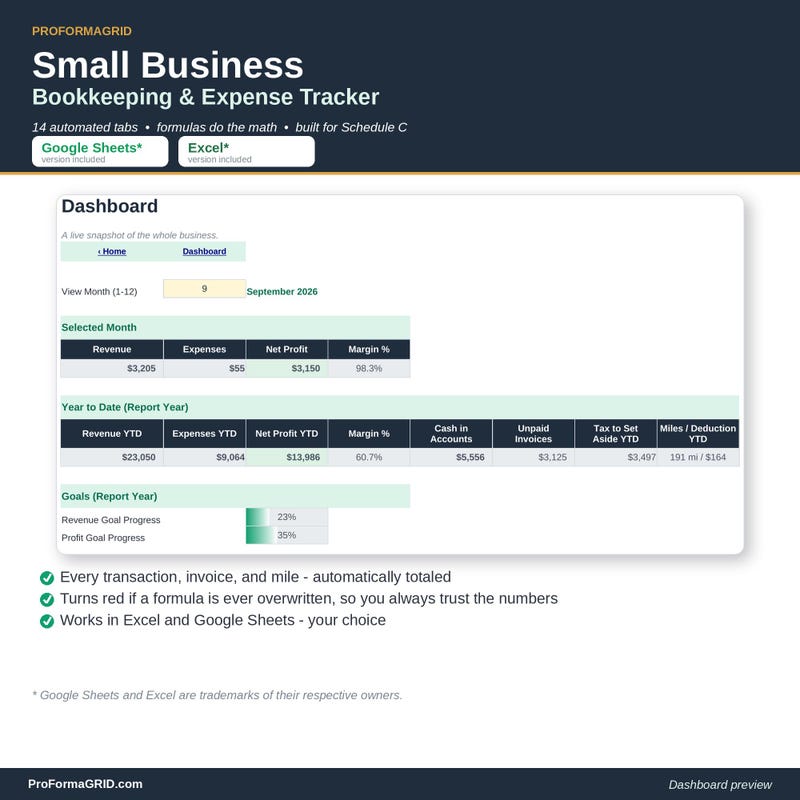
Spreadsheets, journals, and planners for your everyday. Website templates are coming next. A growing collection of tools for the things you want to build, plan, and make your own.
Professional Microsoft Excel (.xlsx) and Google Sheets templates for business bookkeeping, personal finance, real estate investing, and productivity.
Explore the collection ↗Two editions · Available nowHyperlinked digital journals and printable planners for iPad (Goodnotes, Notability) and tablets. Customize your own in Daylight Planner Studio.
Explore both editions ↗Coming soonYour next idea deserves a home on the web. Explore this collection when our website templates launch.
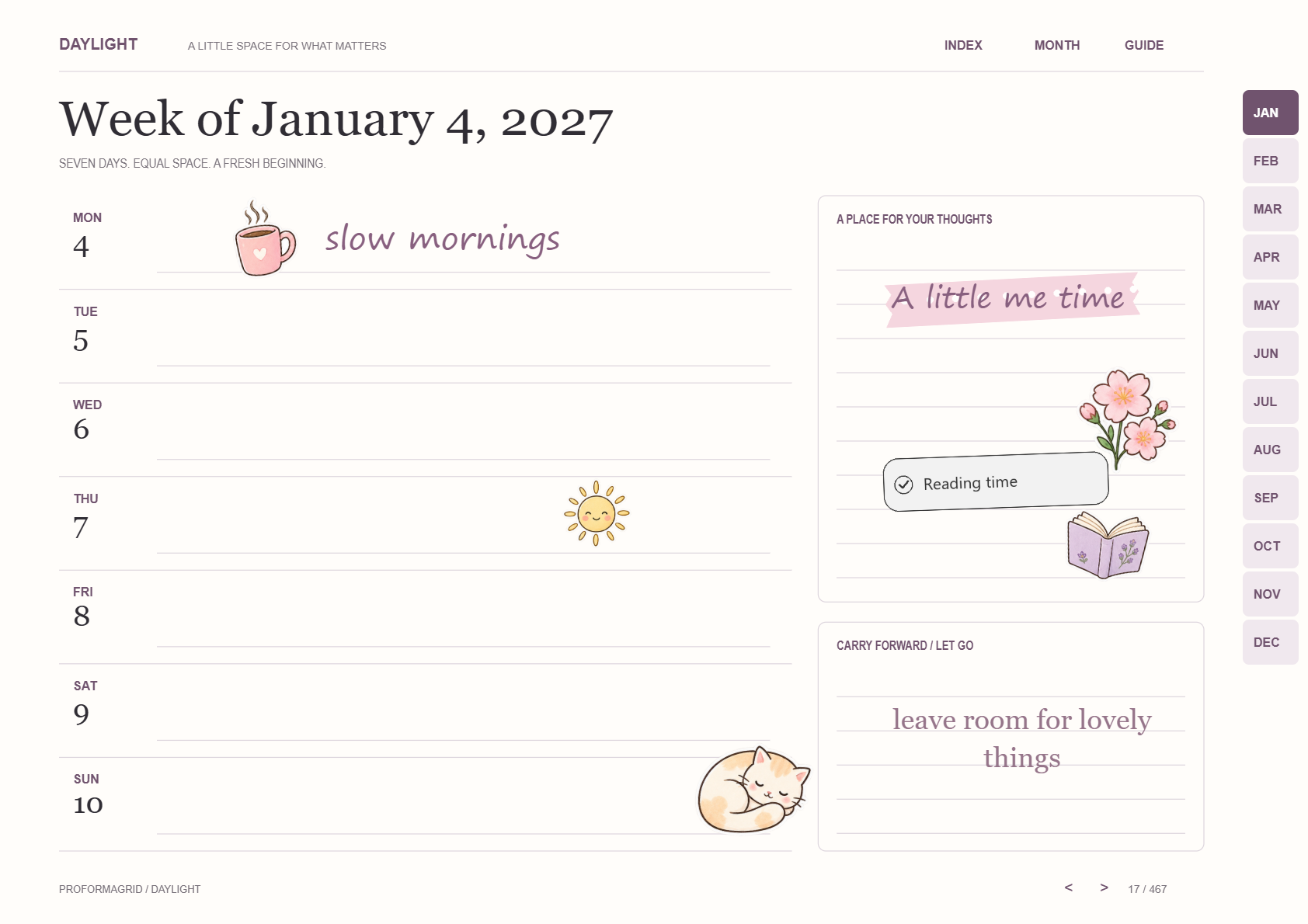
Meet the next chapter ↗Meet your next everyday companion. Build a planner around your routine, or make every page your own with pastel stickers, photos, and little reminders.
A price you need to check. A bill you need to remember. A client you need to follow up with. A project that needs a plan.
Each one feels small. Together, they take up space.
A clear place to put them changes the conversation. You can look at the information, see what needs attention and decide where to go next.
Meet ProFormaGRID in 15 seconds. Explore spreadsheet templates for your business, your money and the plans you want to move forward.
Explore the templates →Press play for a quick introduction.
Expenses with invoices. Bills with paychecks. Tasks with project views. Choose a template that brings the pieces of your particular workflow into one place.
A focused template gives you a starting structure. You can spend your attention on the information you need to enter and the question you need to answer.
A list becomes more useful when you know what it is for. Follow up with a lead, review a recurring payment or work through the next project priority.
Return to the same place for the same job. A short, repeatable review can turn a spreadsheet from a downloaded file into a tool you actually reach for.
Choose one workflow. Give it your information. Make it part of how you work.
Find my templateFind a spreadsheet template around the work you want to organize. Explore six focused collections for Microsoft Excel and Google Sheets.
Small business bookkeeping, P&L dashboards, pricing calculators, inventory trackers, CRM pipelines, and industry-specific operating spreadsheets for Excel and Google Sheets.
Find your starting point ↗10 available templatesAnnual and zero-based budget planners, paycheck trackers, debt snowball calculators, FIRE early retirement models, options trading journals, dividend trackers, and crypto staking logs.
Find your starting point ↗6 available templatesLand development pro formas, BRRRR rental calculators, fix-and-flip deal analyzers, house hacking models, and Airbnb/VRBO short-term rental bookkeeping spreadsheets.
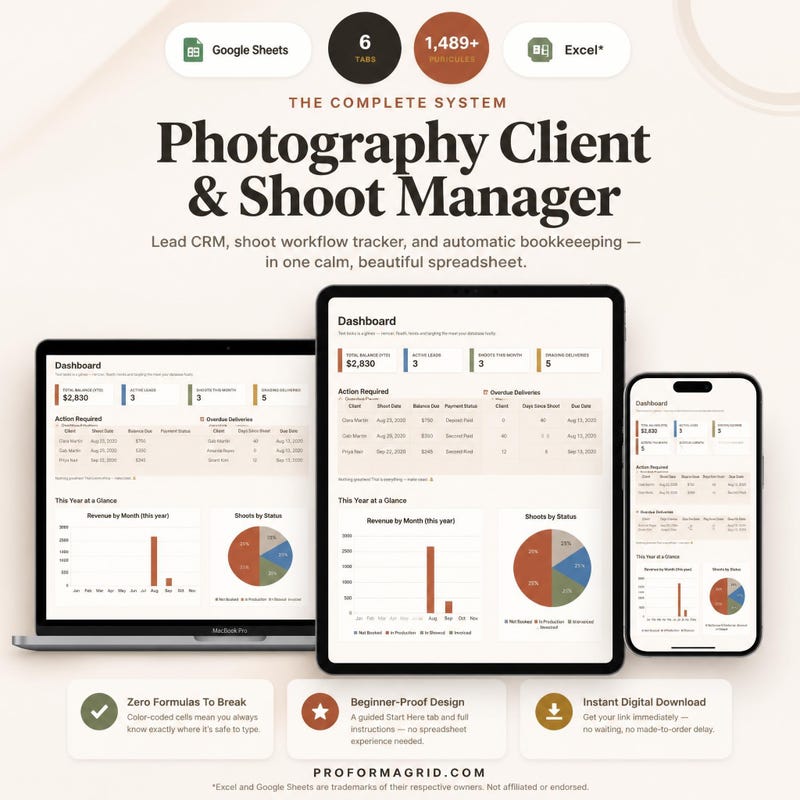
Find your starting point ↗13 available templatesBookkeeping, client CRM, quote builders, and profit trackers for salon booth renters, photographers, tattoo artists, trainers, coaches, streamers, and influencers.
Find your starting point ↗4 available templatesAll-in-one wedding planners, vendor deposit trackers, multi-city trip budget splitters, IVF fertility cost planners, and meal prep macro calculators.
Find your starting point ↗2 available templatesADHD gamified dopamine planners, RPG habit trackers, Gantt chart project management templates, and Kanban task boards for Excel and Google Sheets.
Find your starting point ↗Explore 58 digital products in the catalog, including 56 available Excel & Google Sheets templates. Check out securely by credit card, Apple Pay, or Google Pay for instant download.
Budget · Guest List · Seating Chart
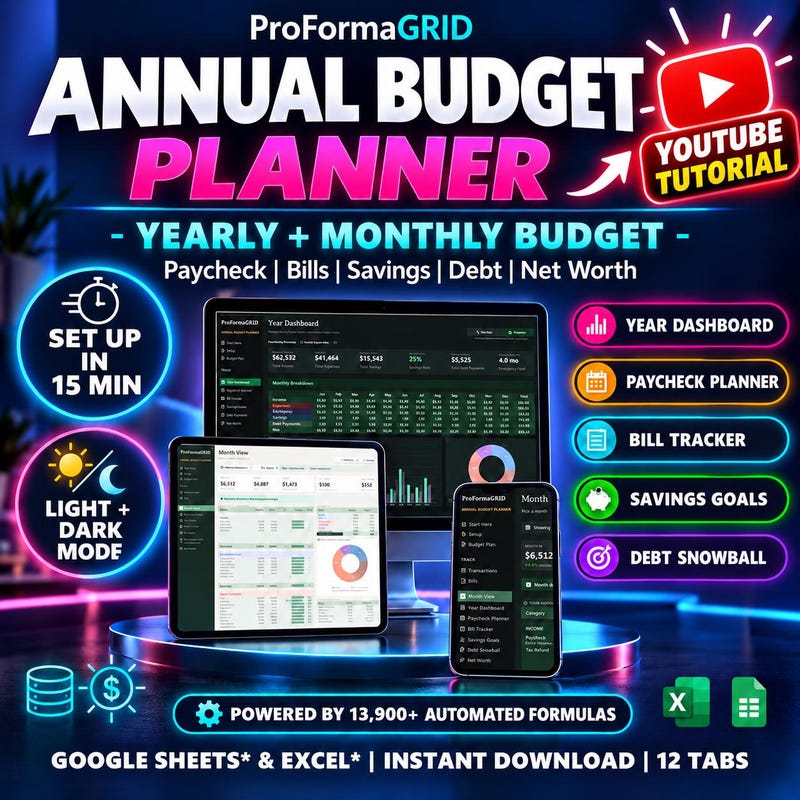
Monthly Tracker · Debt Snowball
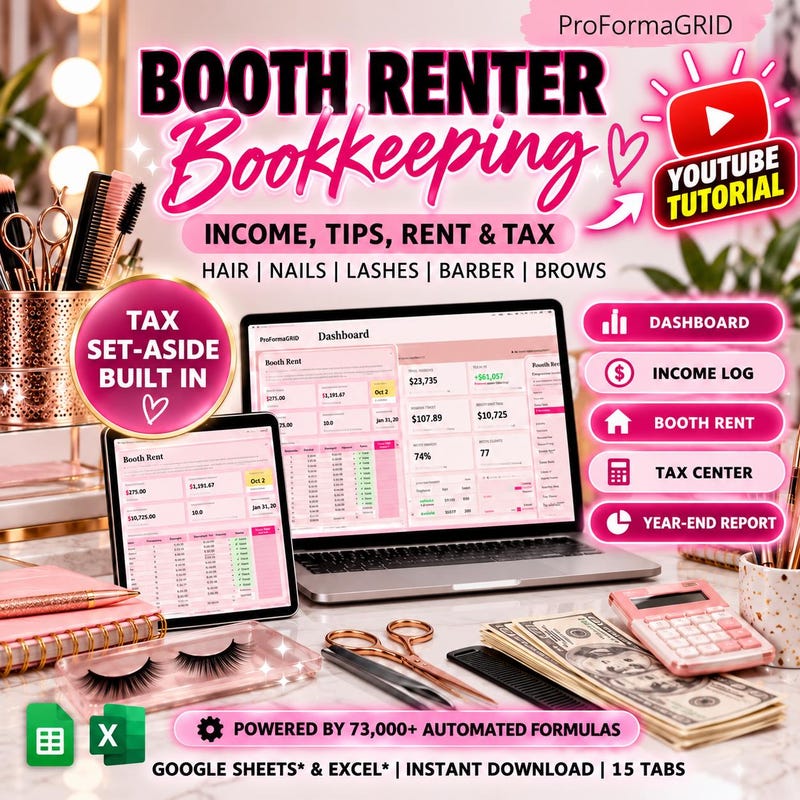
Income · Tips · Rent · Tax Tracker
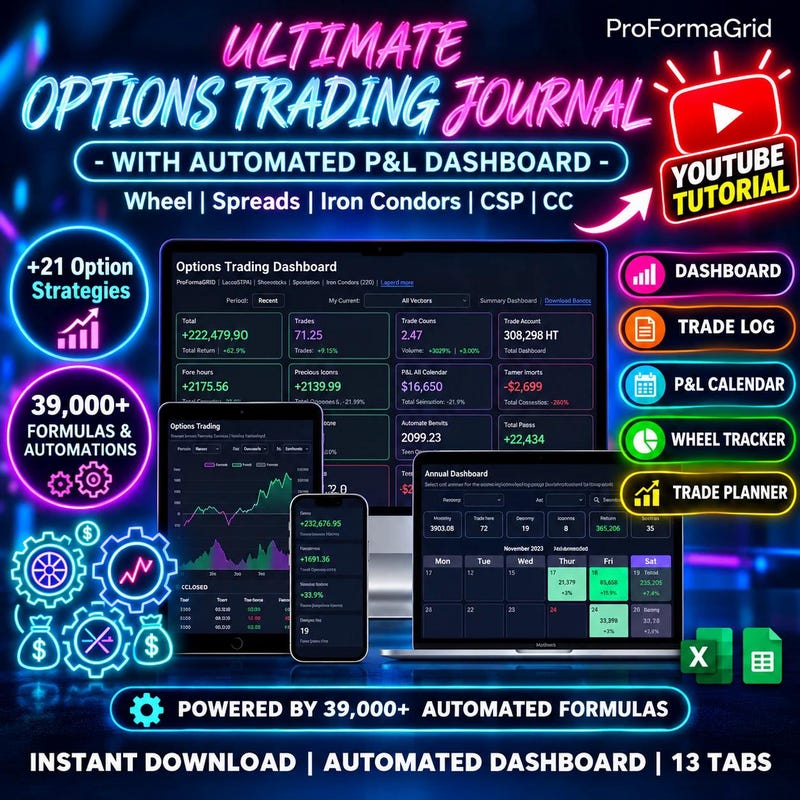
39,000 Automated Formulas · P&L Dashboard · 22 Strategies
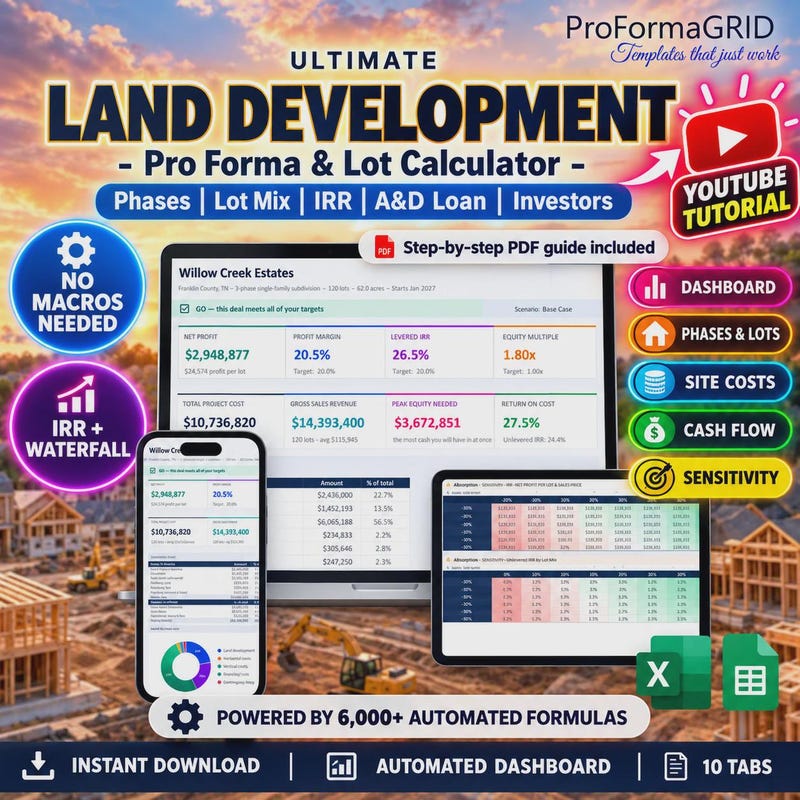
Subdivision Feasibility & IRR Calculator · 72 Month Developer Cash Flow
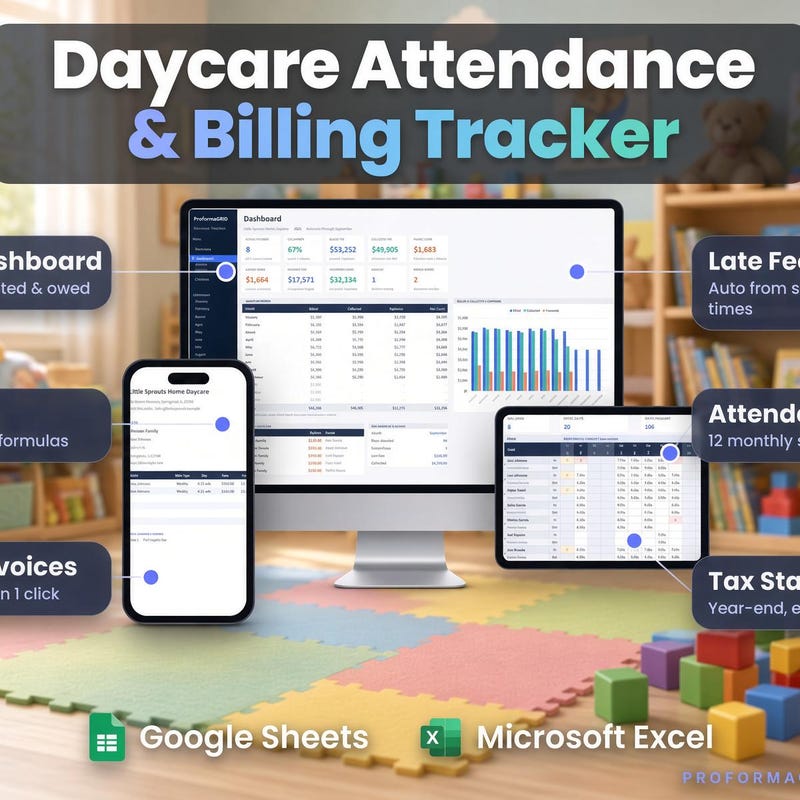
Auto Invoices · Tax Statements
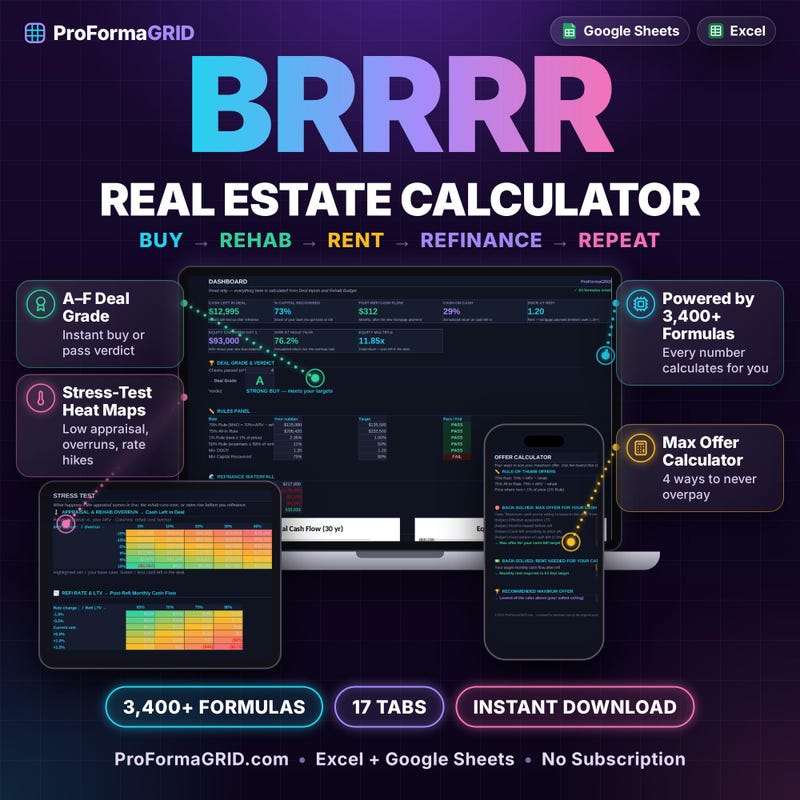
Rental Property Deal Analyzer
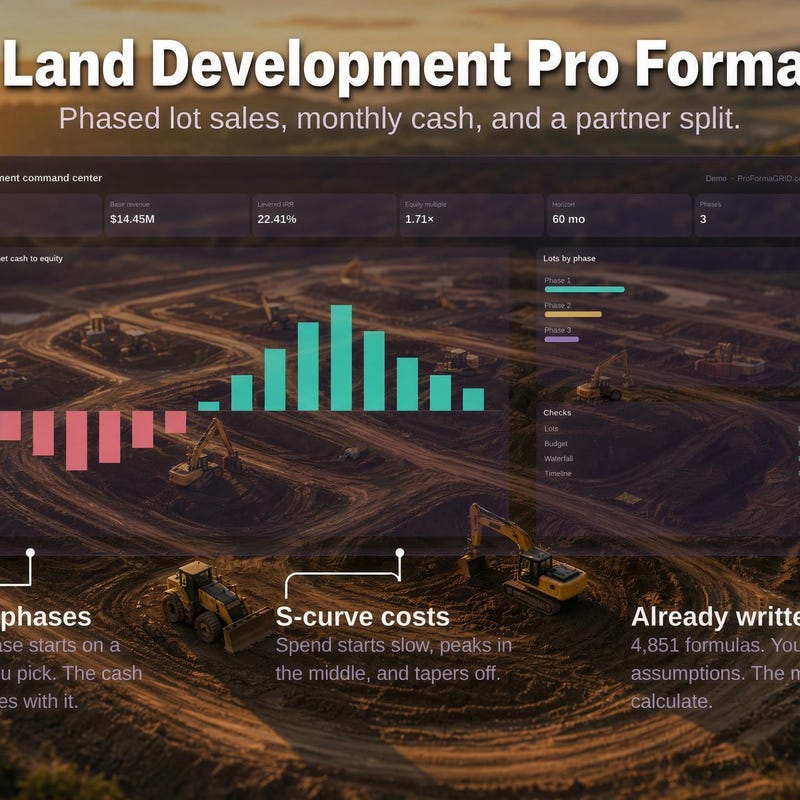
60-Month Subdivision Model
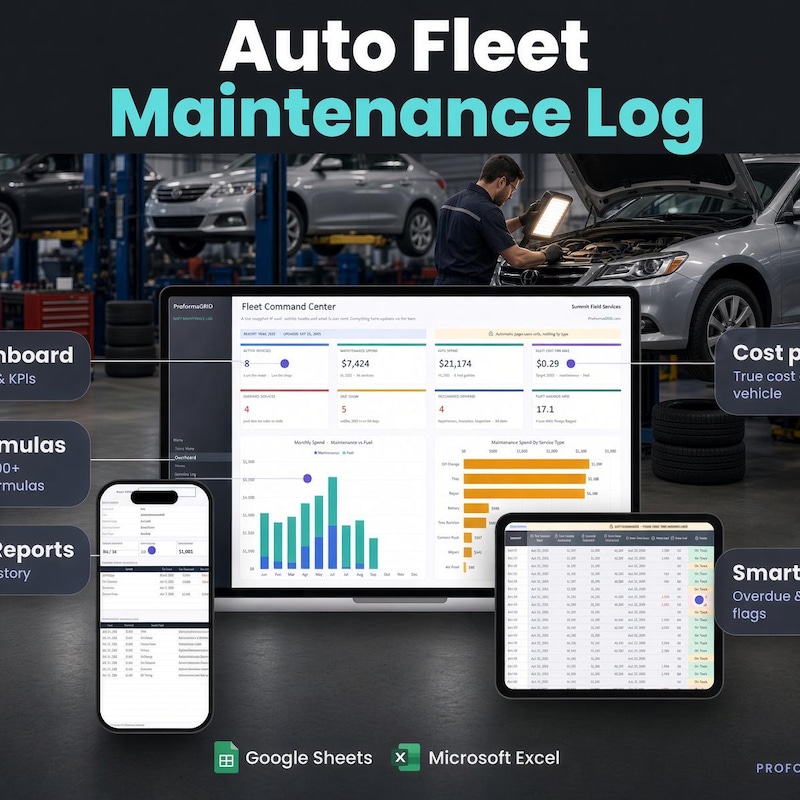
Vehicle Service & Fuel Tracker
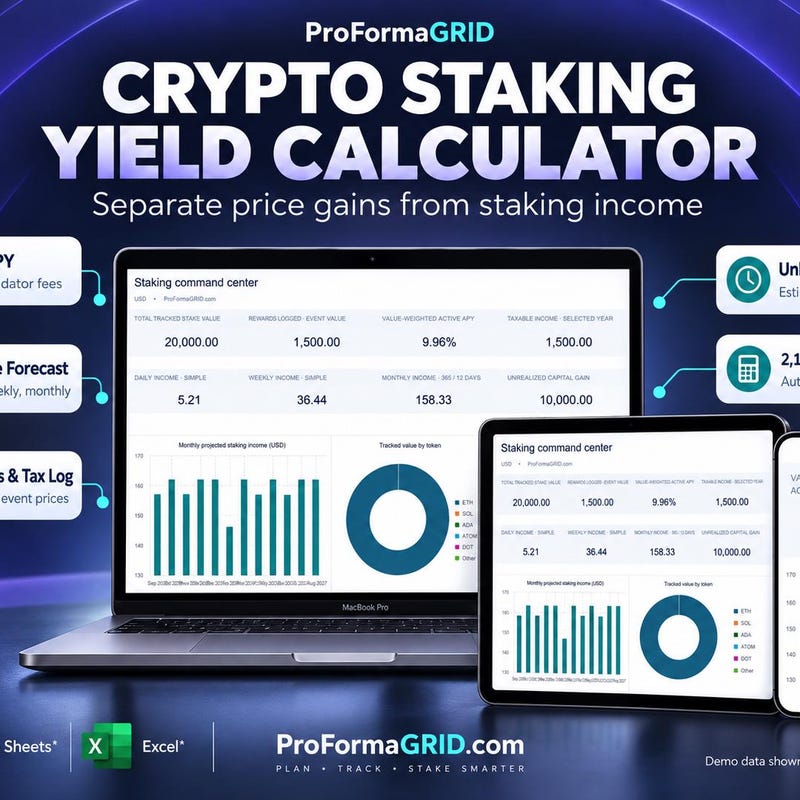
Net APY Tracker · Tax Log
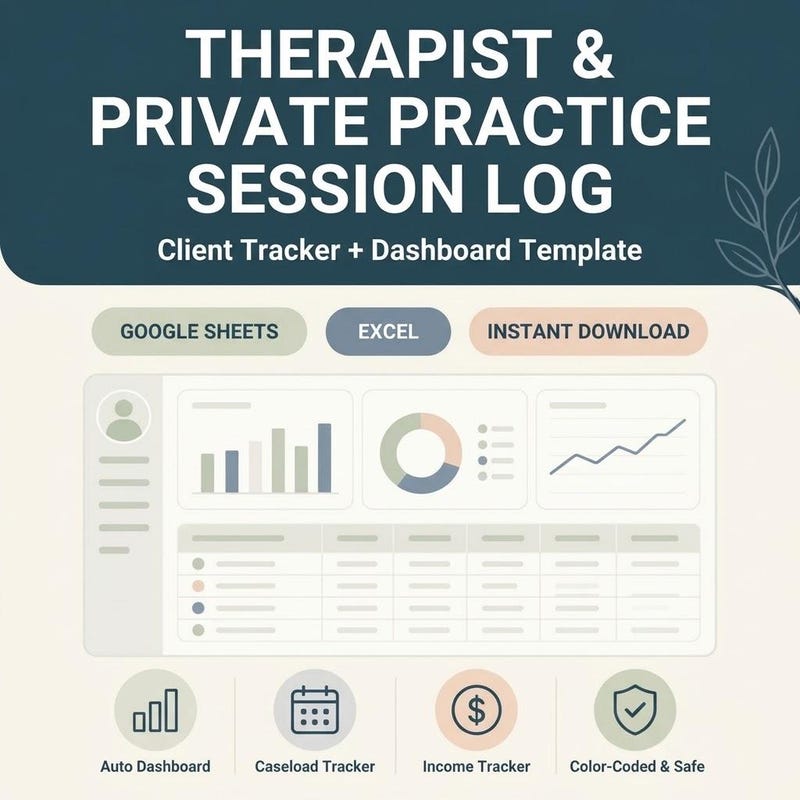
Private Practice Client Tracker · Caseload Dashboard
DRIP Log · Income Goals
Home Baker Pricing Calculator
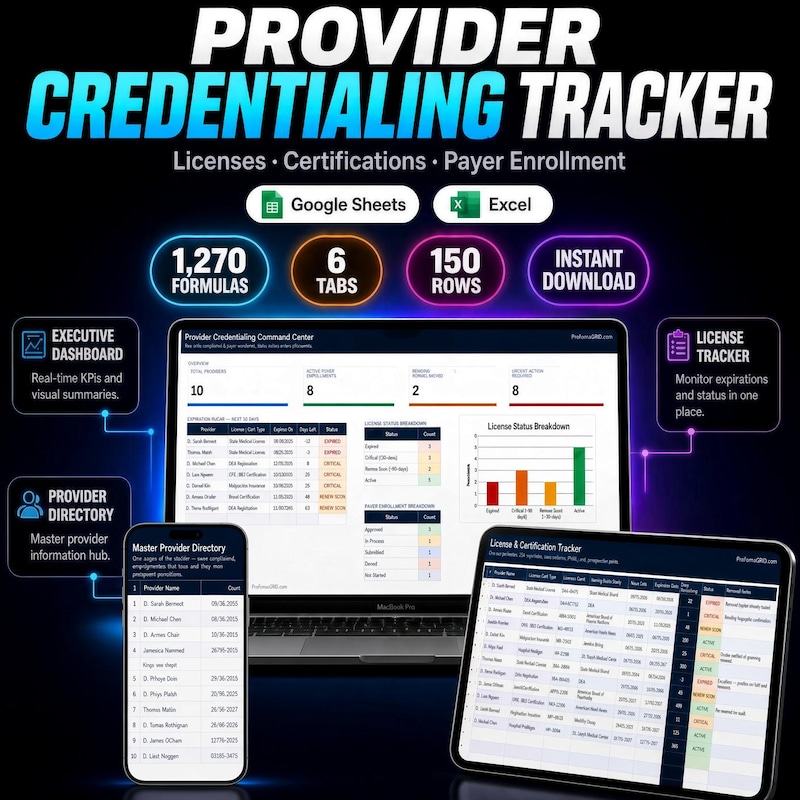
License & Payer Enrollment Log
Quote Calculator · Client CRM
Income Planner
RPG Habit Tracker · Dopamine Menu
Handmade Profit Tracker
Gantt Chart · Kanban Board · Task Tracker
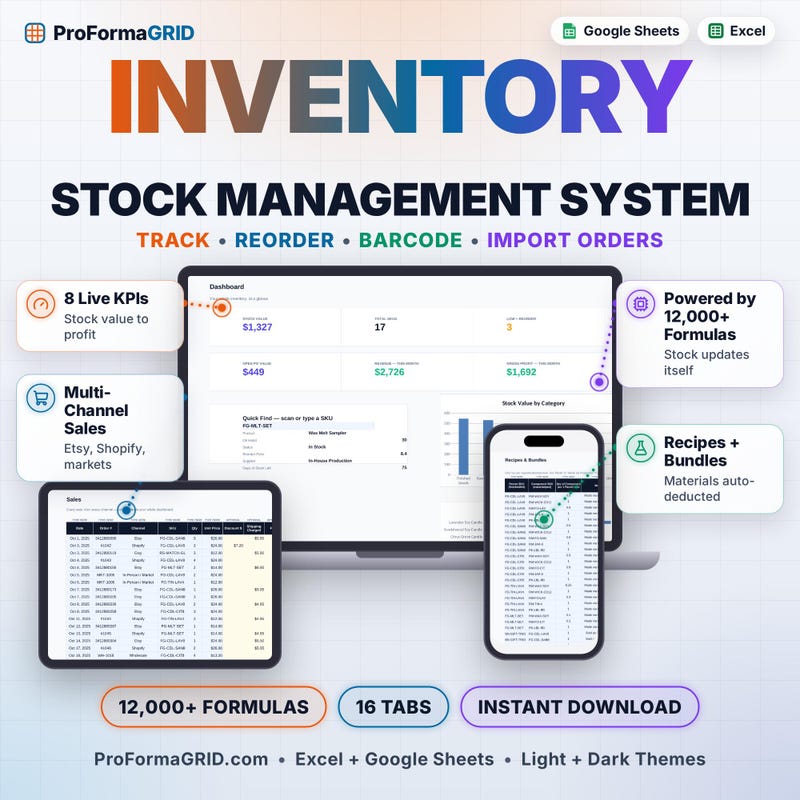
Stock Management Template
Google Sheets and Excel · Kanban Board
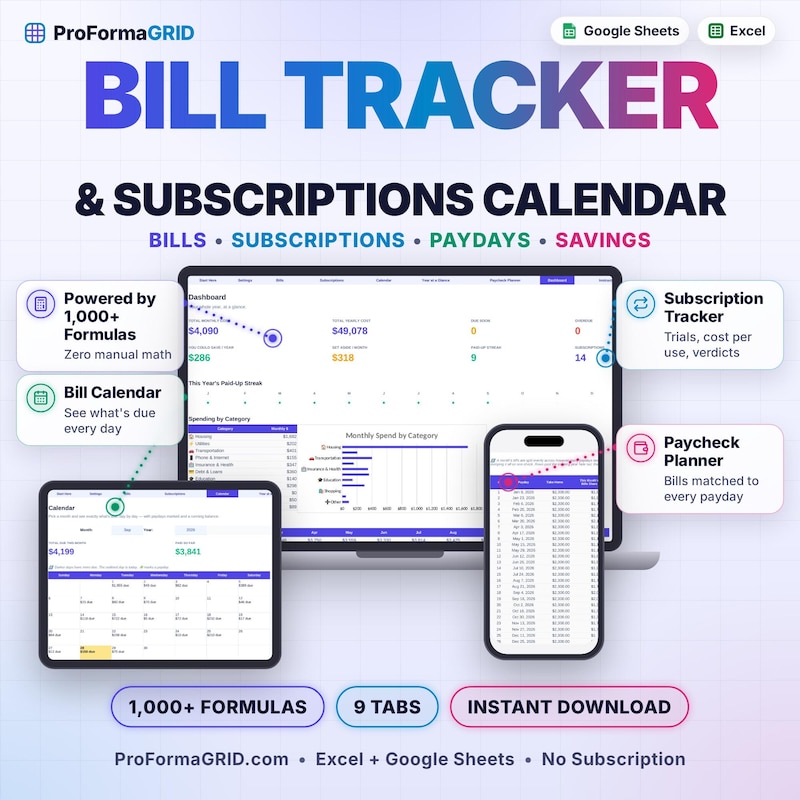
Paycheck Budget Planner
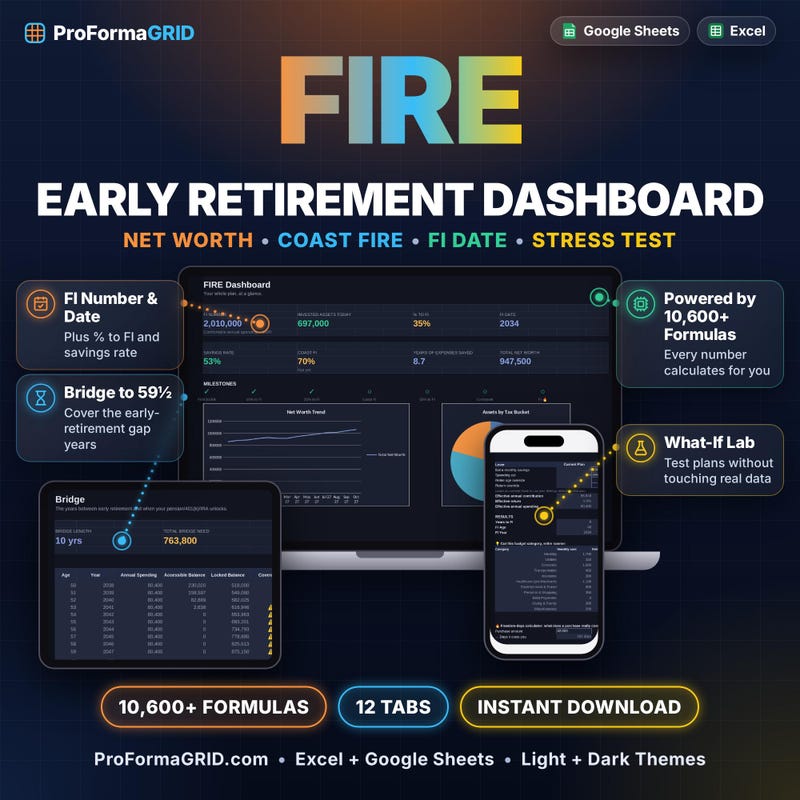
Net Worth Tracker · Coast FIRE · Stress Test
Monthly and Annual Planner · Debt Payoff · Net Worth
Expense Tracker · Tax Planner
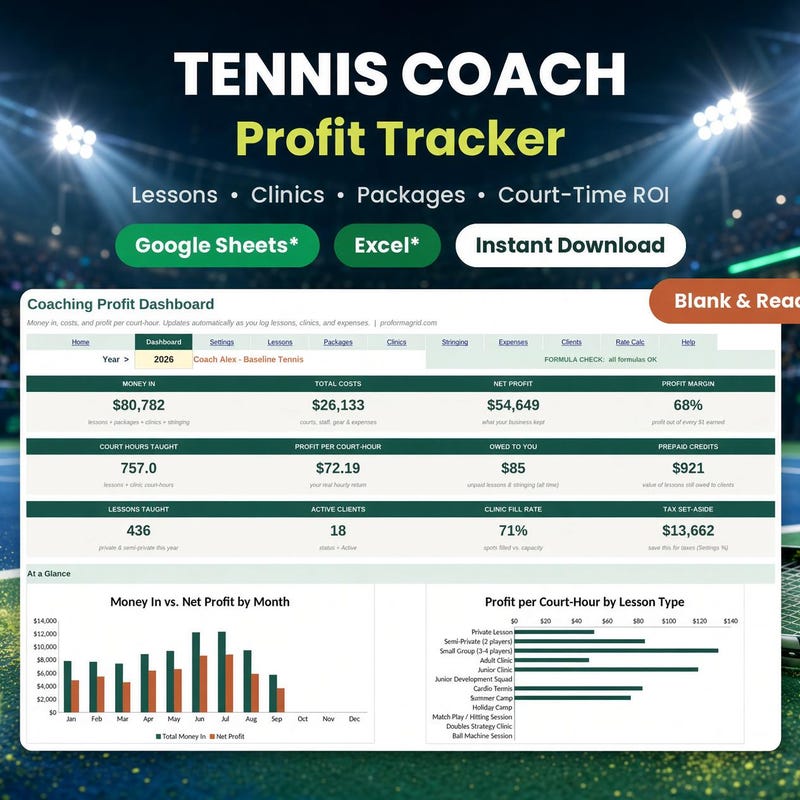
Private Lessons · Clinics · Court Rentals
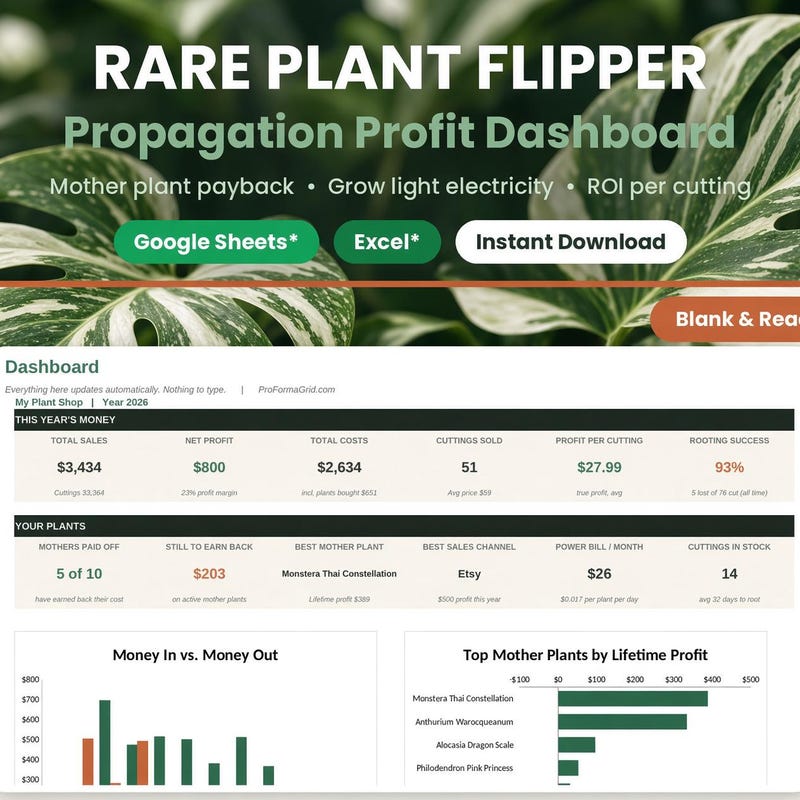
Propagation ROI Calculator
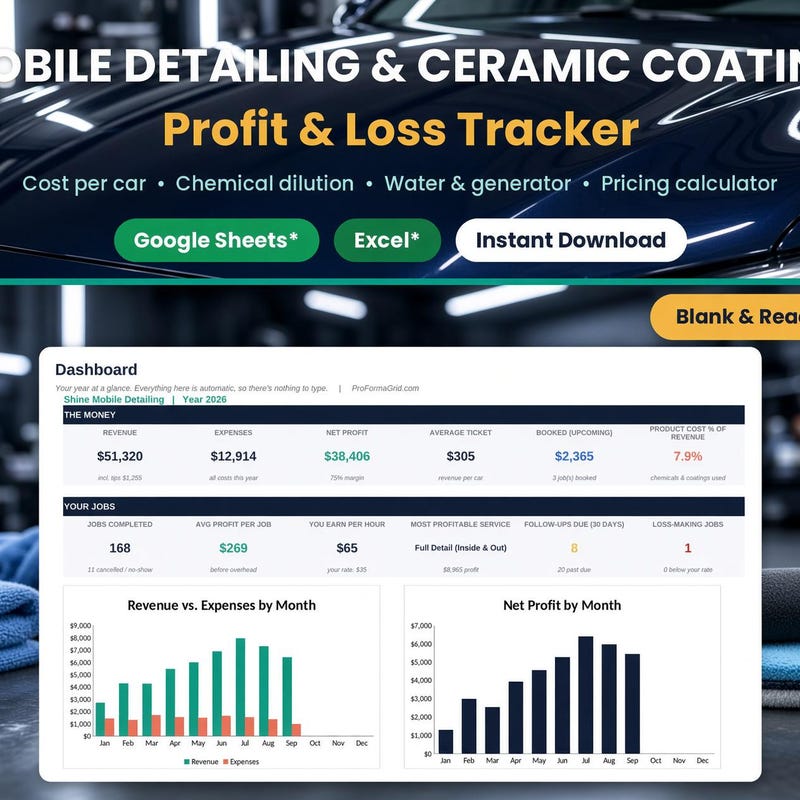
Ceramic Coating Calculator · Car Wash Template
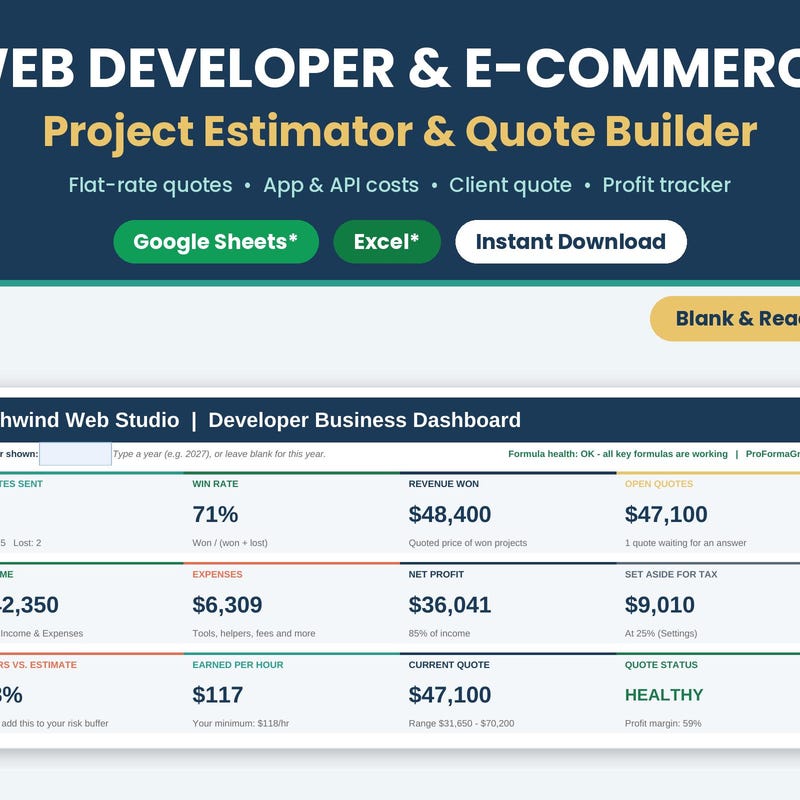
Shopify E-Commerce Finance Tracker
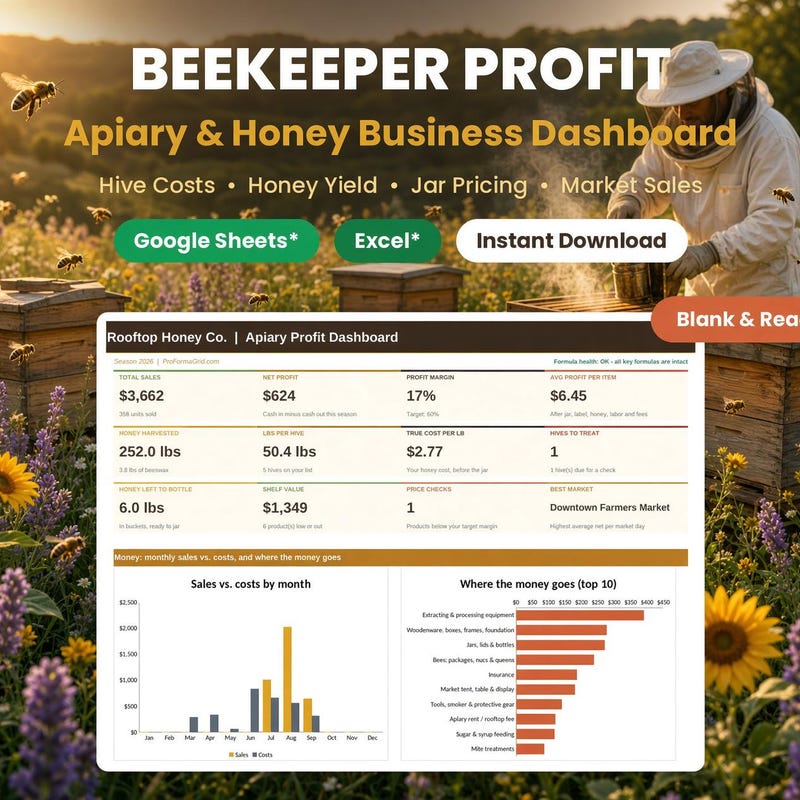
Apiary Accounting · Honey Pricing · Market Sales
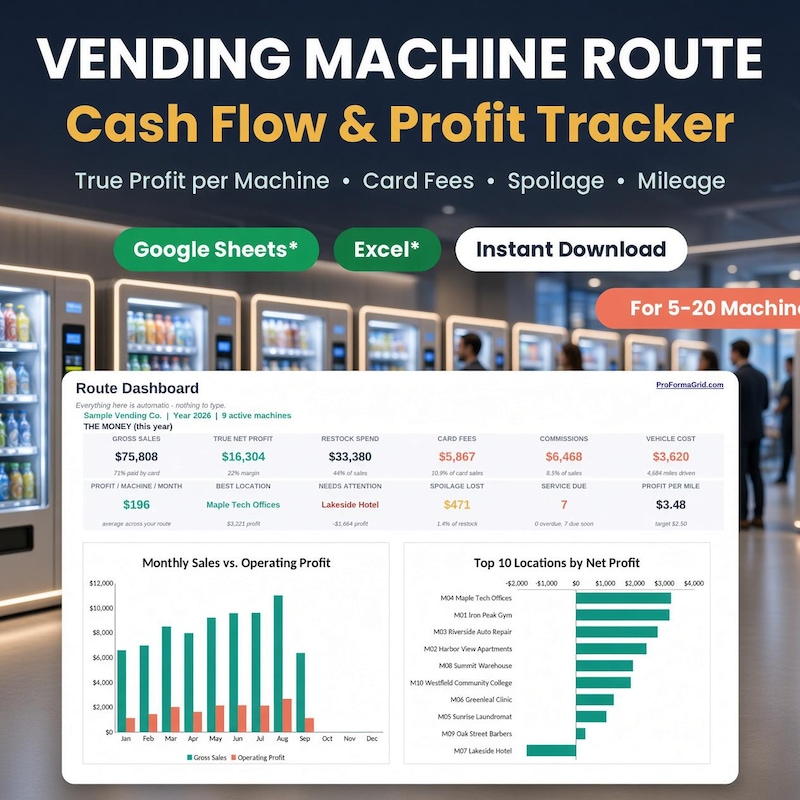
Cash Flow Calculator
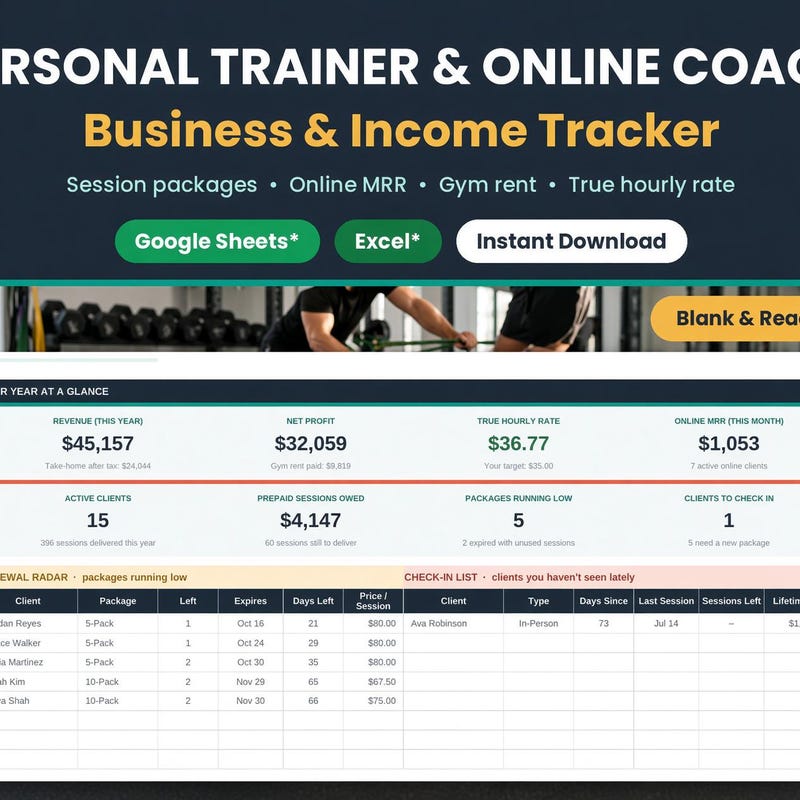
Client Session & Gym Profit Log
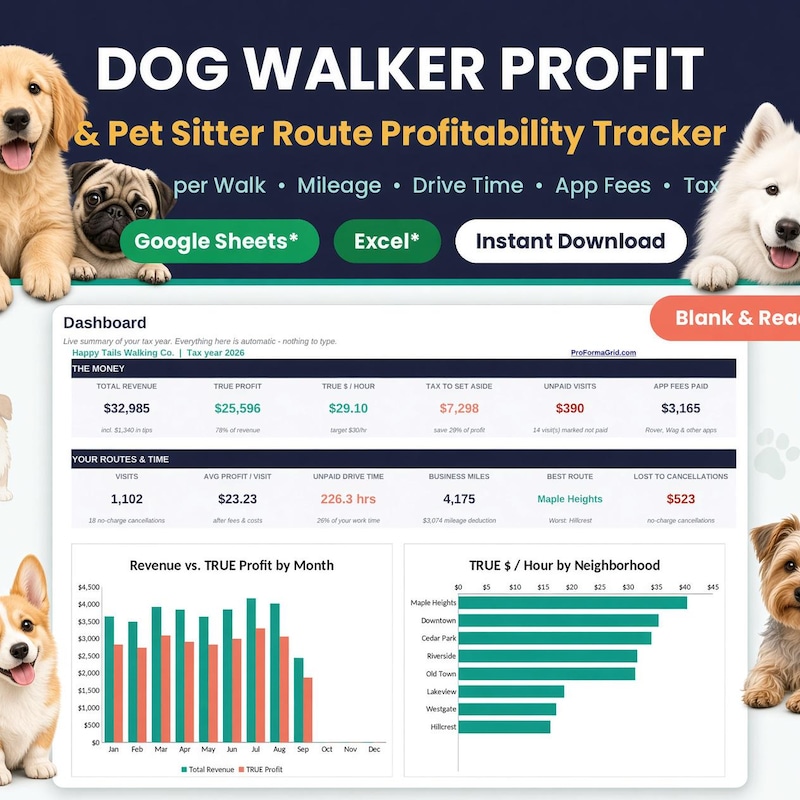
Pet Sitter Business Calculator
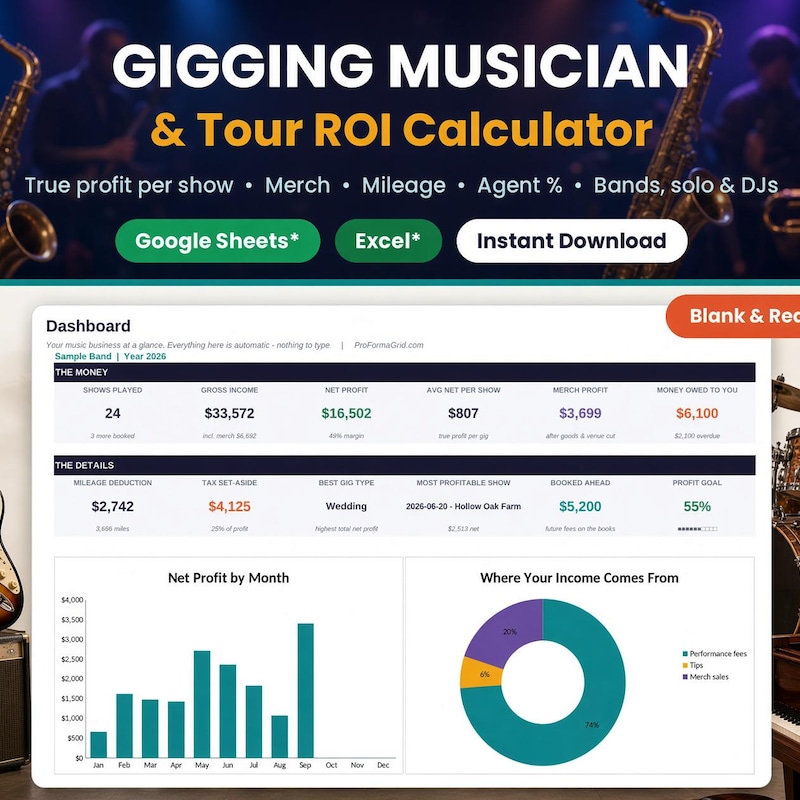
DJ Business Finance
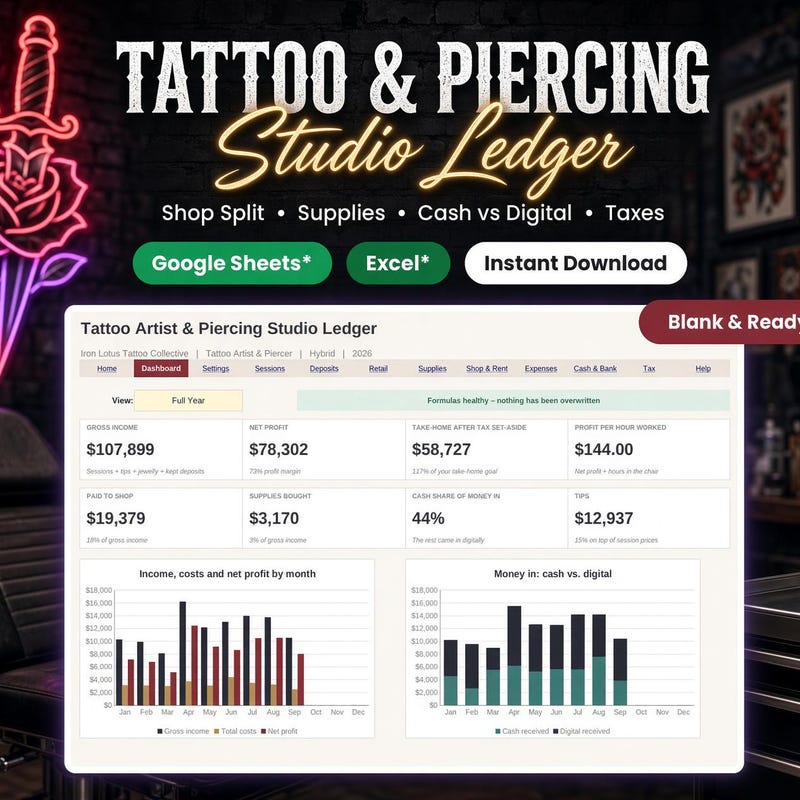
Piercer Income Expense Sheet · Booth Renter Profit Calculator
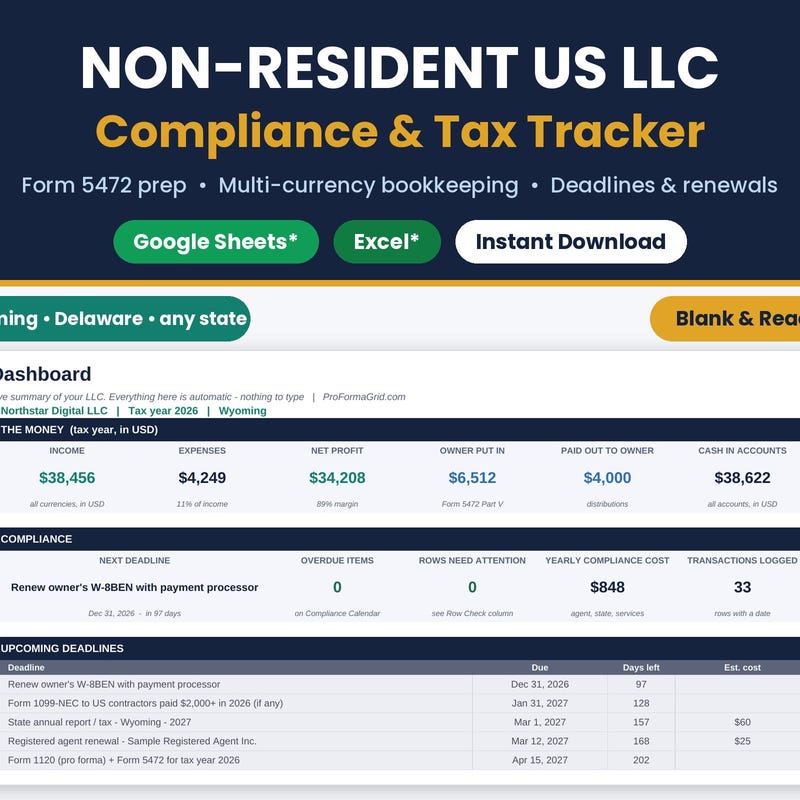
Form 5472 Bookkeeping
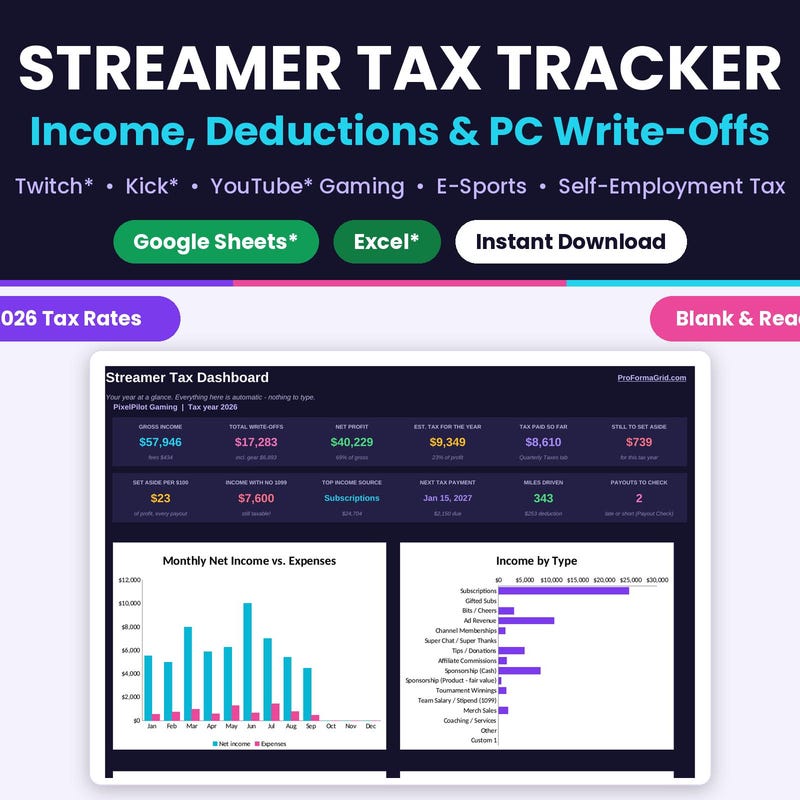
Twitch · YouTube · E-Sports Income & Deductions
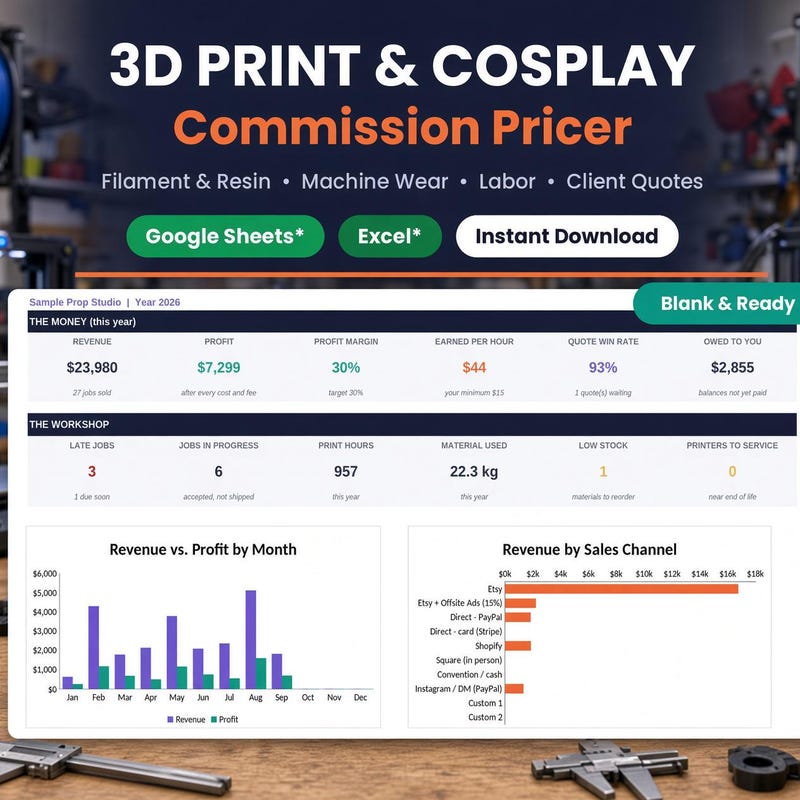
Cosplay Commission Quote Template
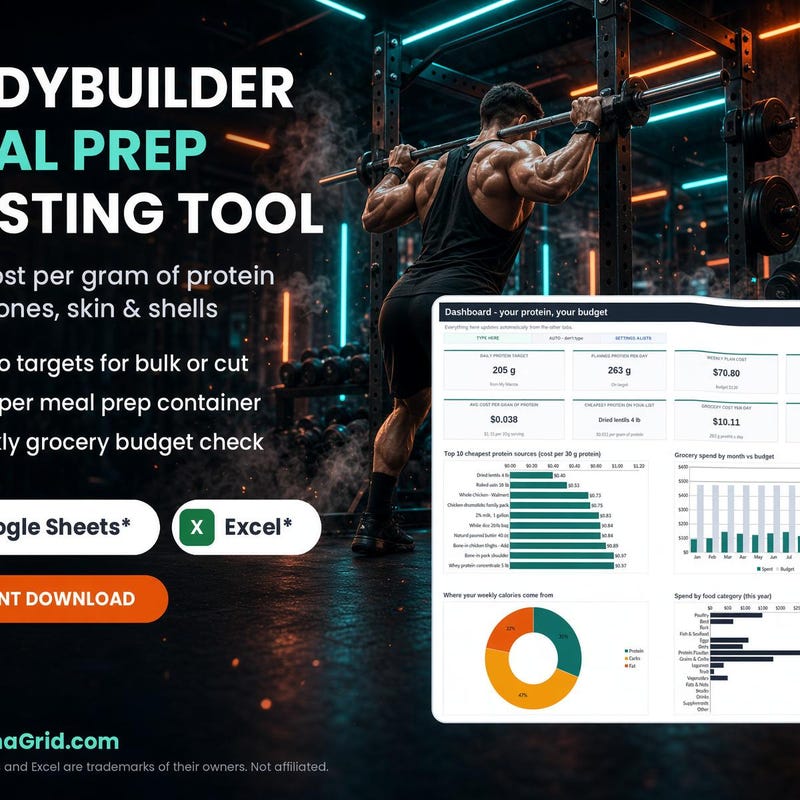
Macro Tracking · Grocery Budget
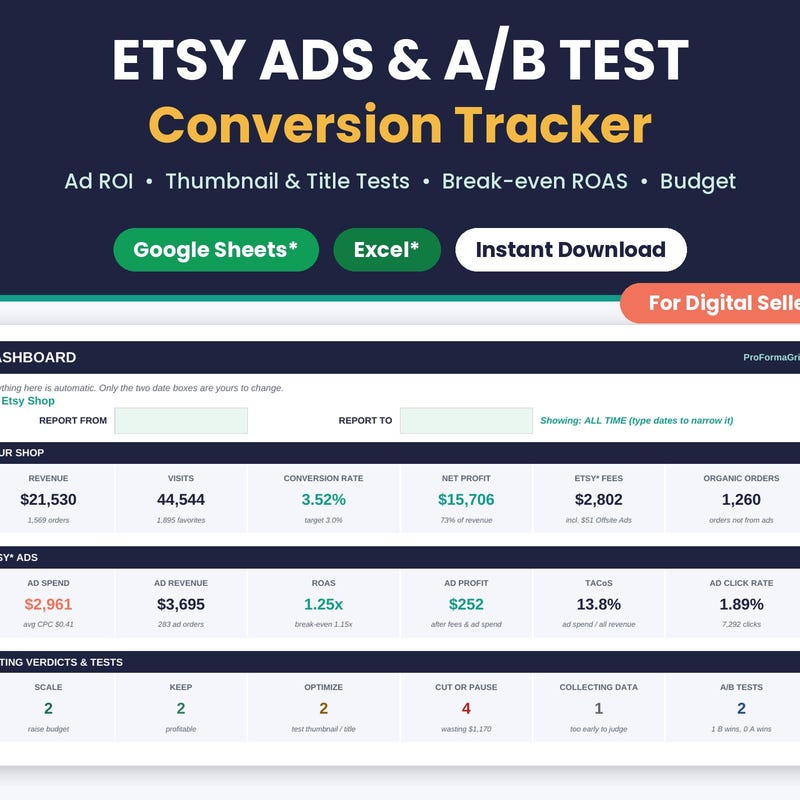
Digital Shop Conversion Tool
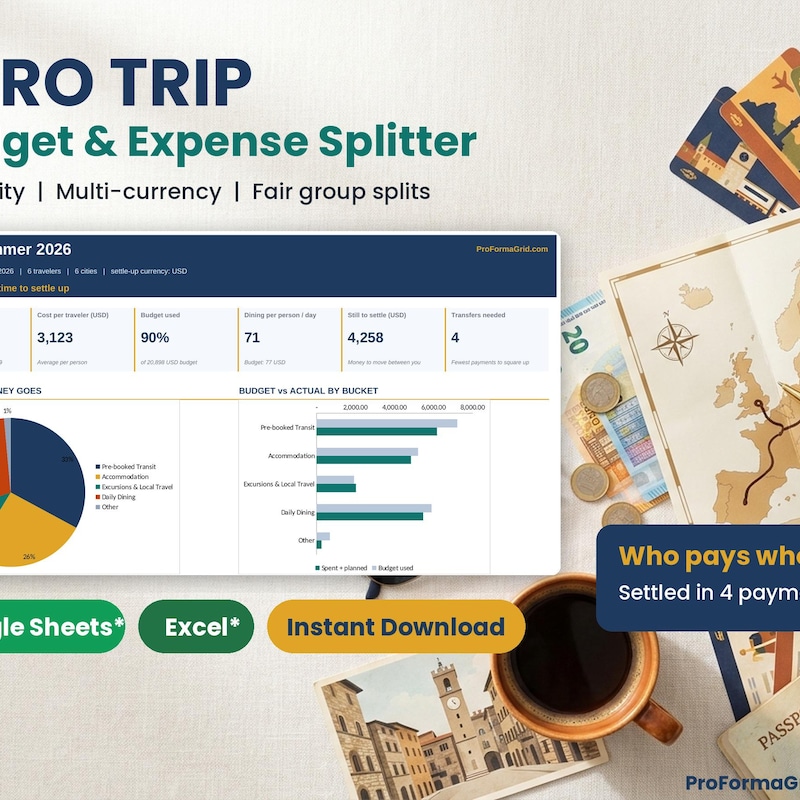
Budget & Expense Splitter

Lesson Packages · Progress & Income Log

Turo Host Budget Tracker
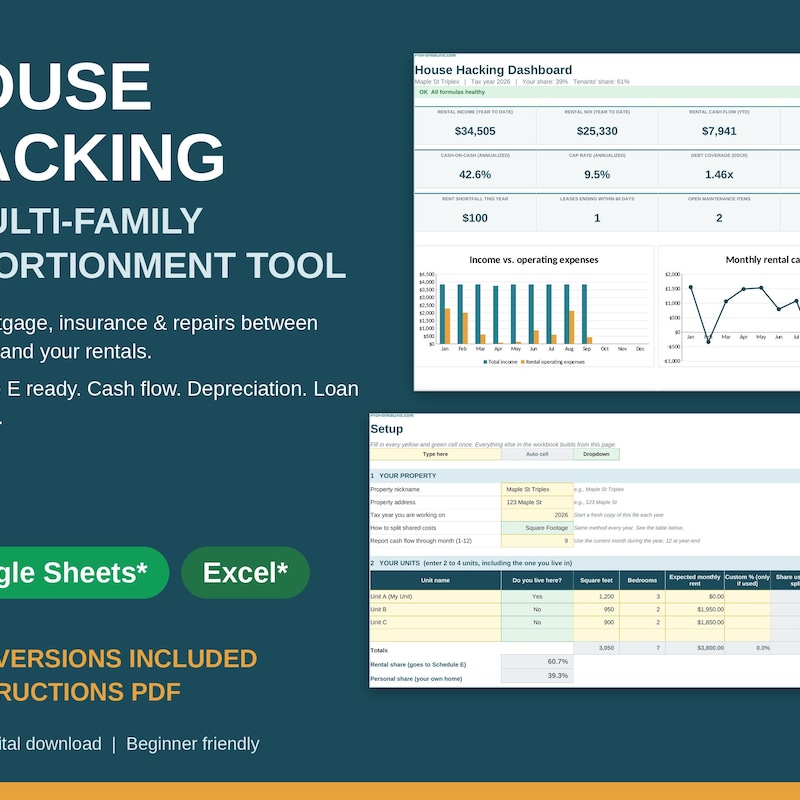
Duplex Triplex Rental Tracker
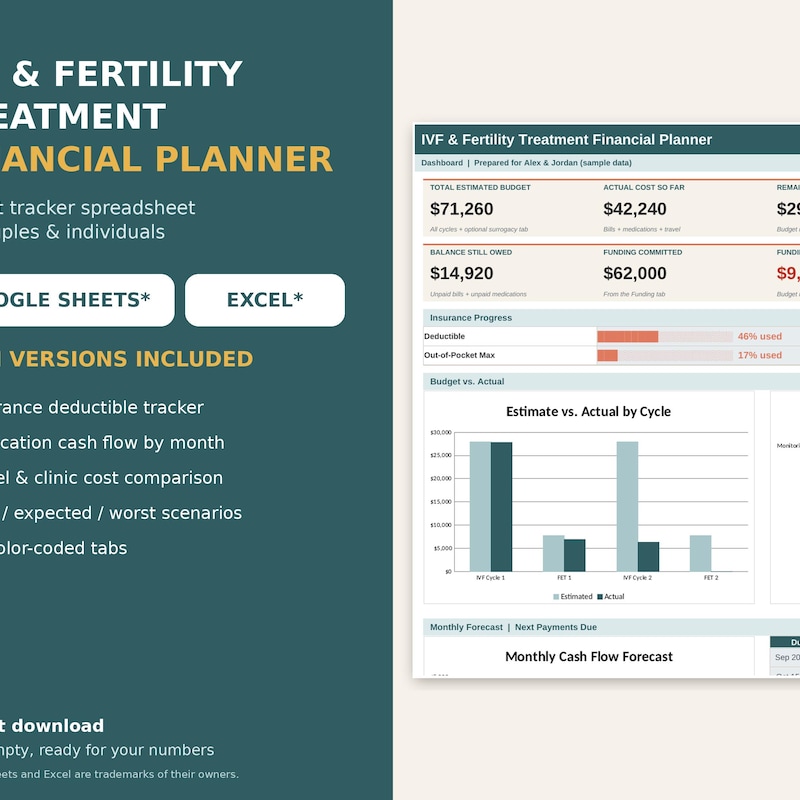
Fertility Cost Tracker
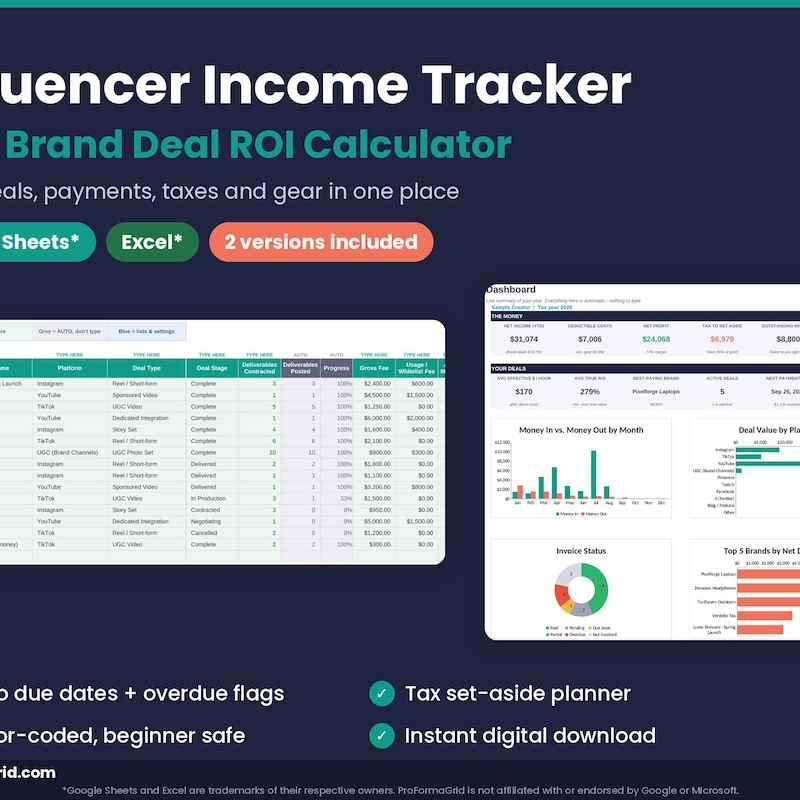
UGC Brand Deal ROI Calculator
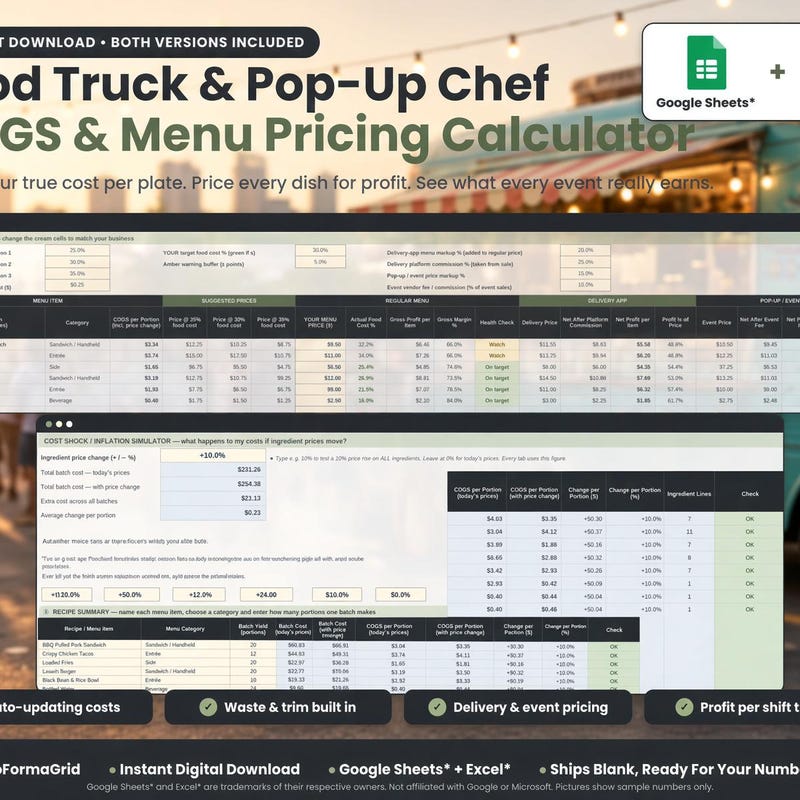
Recipe Costing · Profit Margin
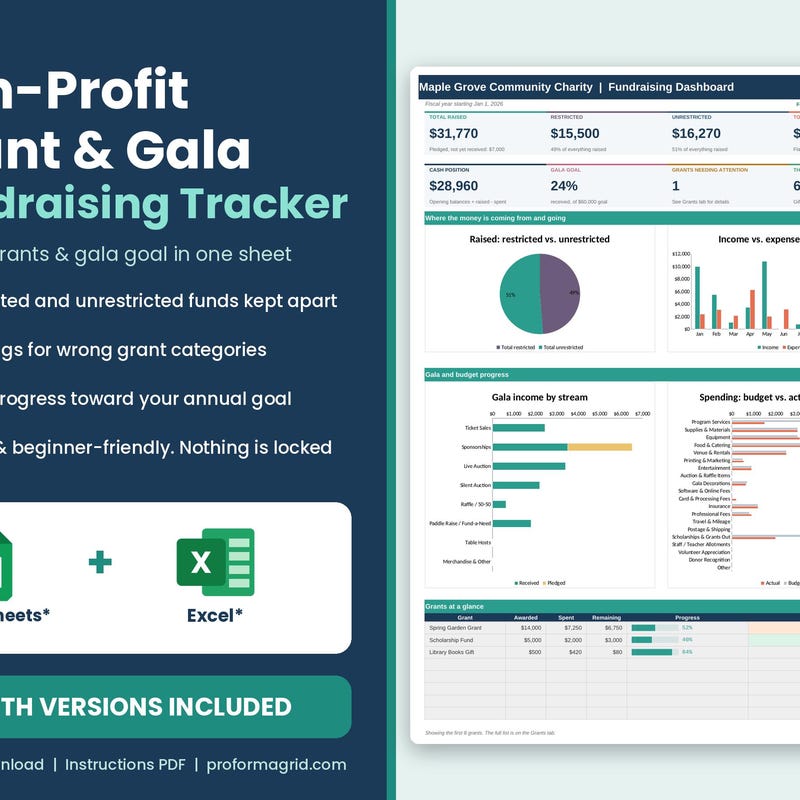
Budget · Restricted Funds · Donations
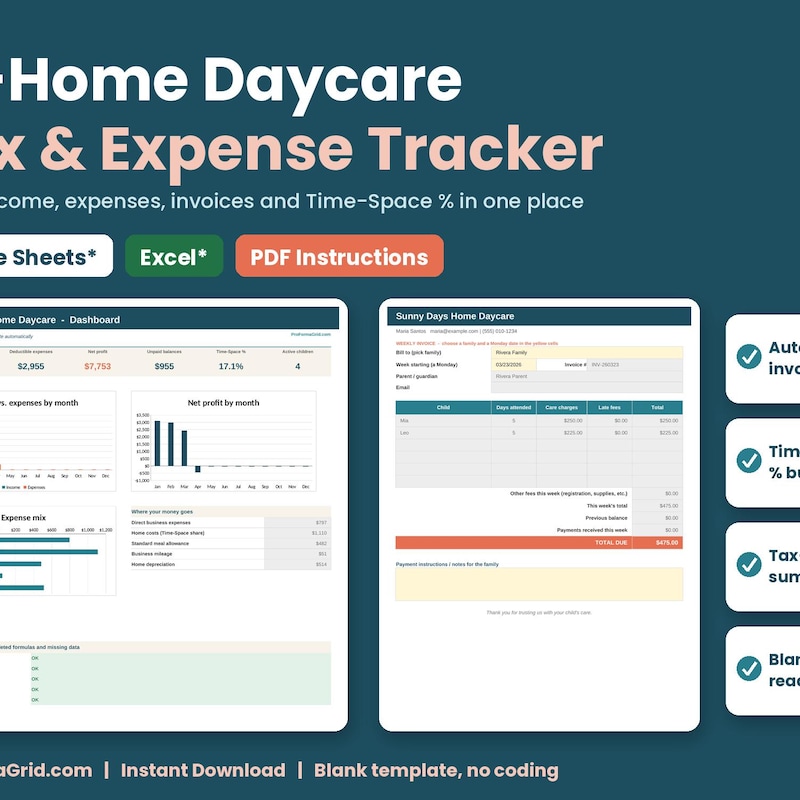
Attendance · Invoices · Time-Space %
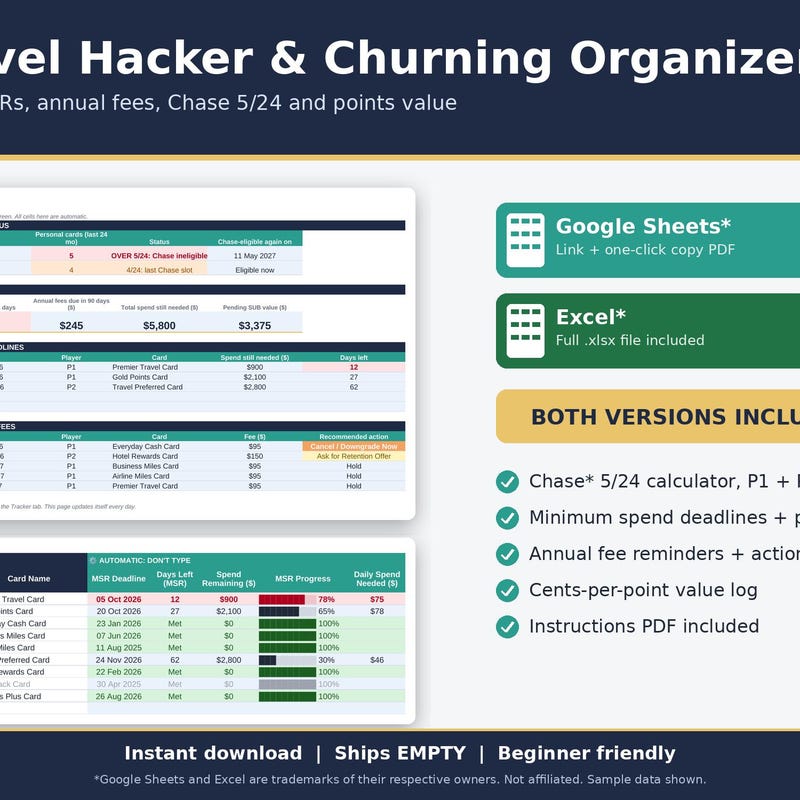
5/24 Status · MSR · Fees
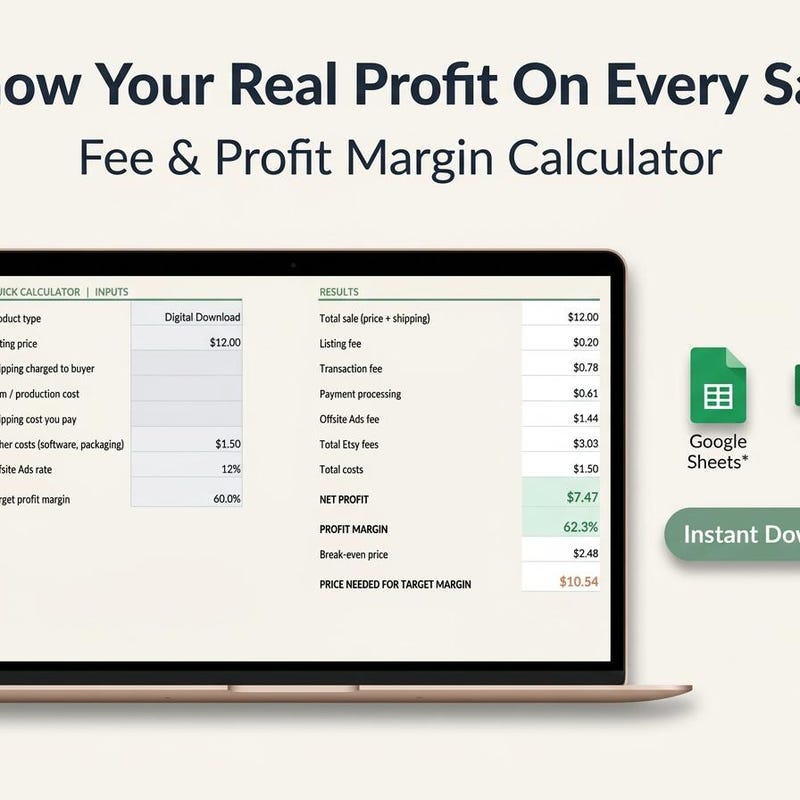
Digital · POD · Handmade
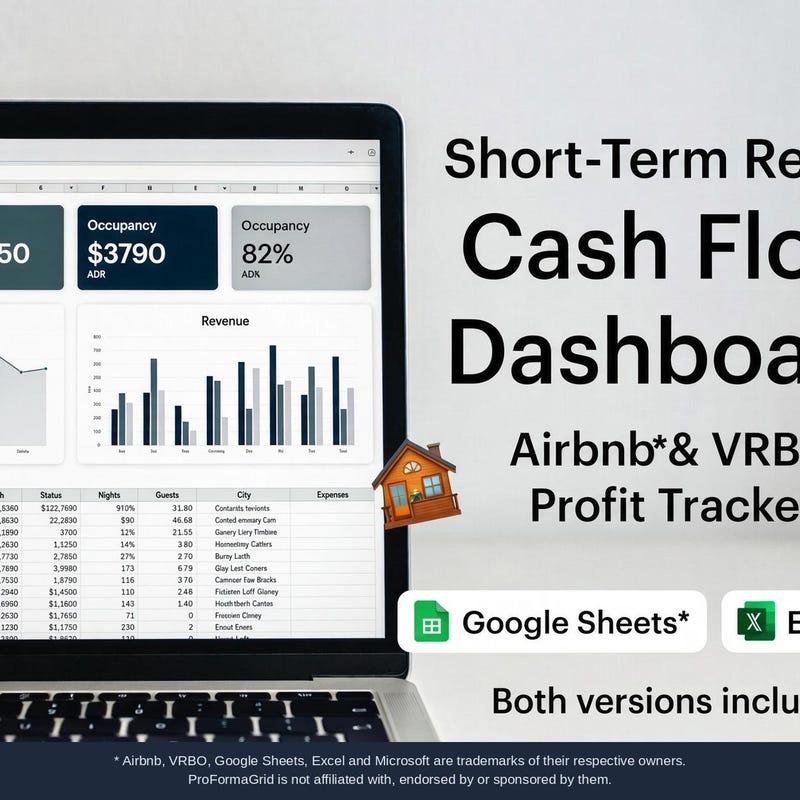
Short Term Rental Profit & Loss Tracker · VRBO Host Bookkeeping · Occupancy · Cash Flow
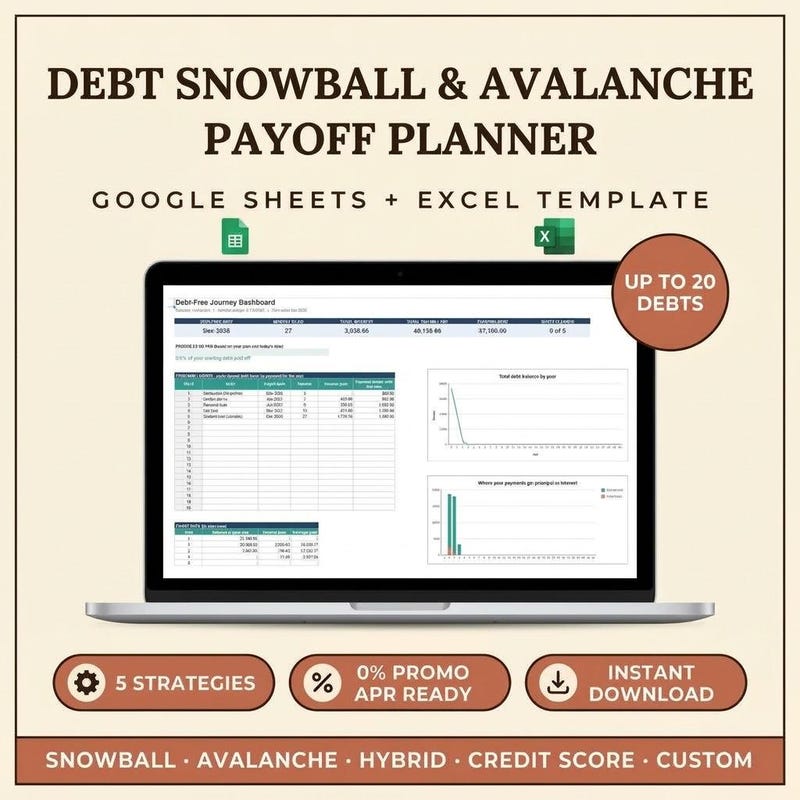
Google Sheets + Excel Template
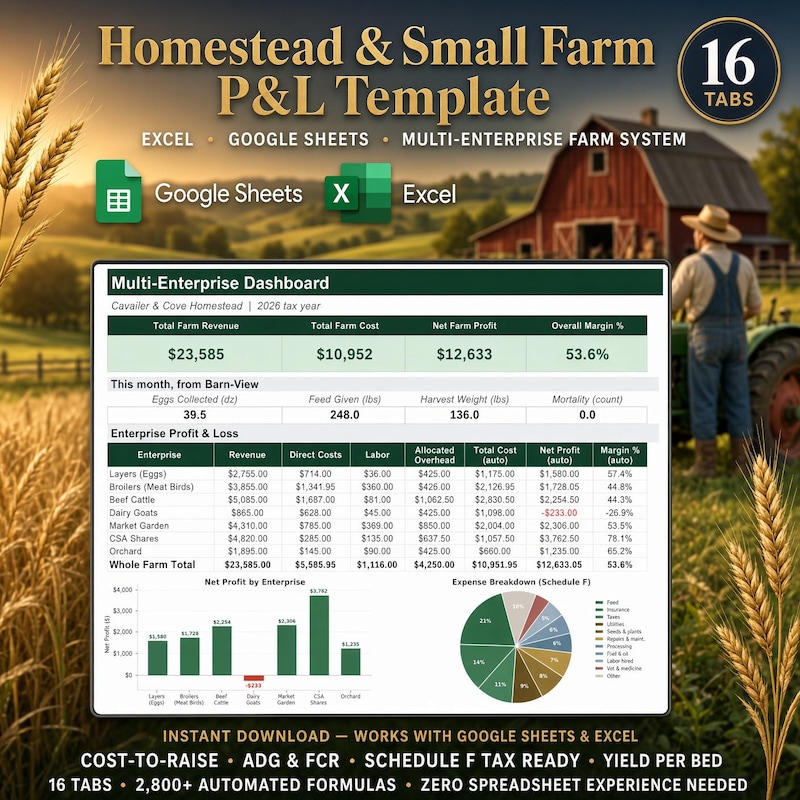
Livestock · Garden · Egg Tracker
 Unavailable
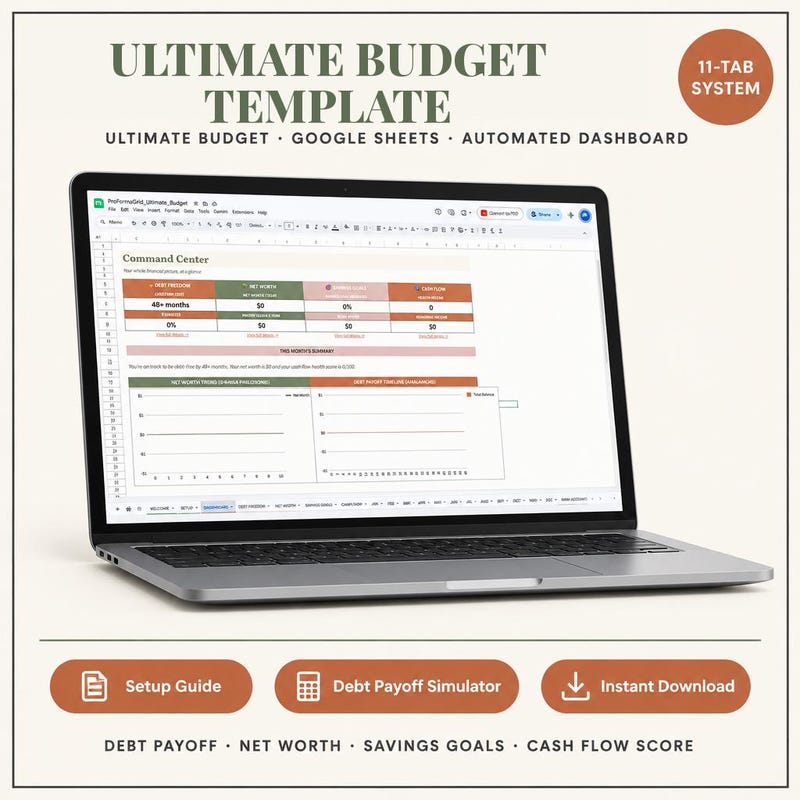
Google Sheets Financial Dashboard
 Unavailable
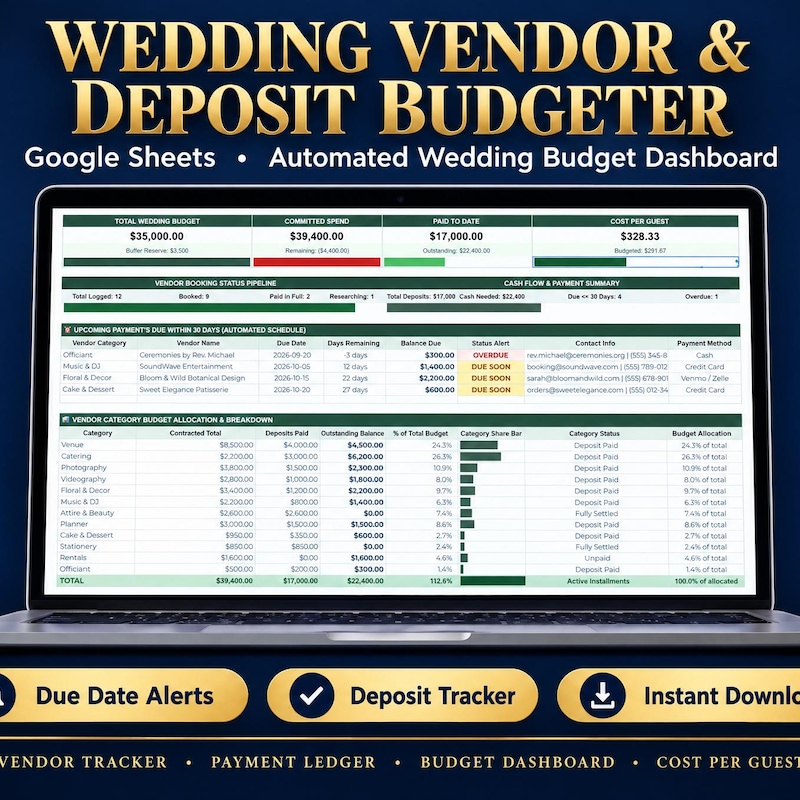
Wedding Vendor & Deposit Tracker · Payment Schedule · Expense Planner · Google Sheets Excel
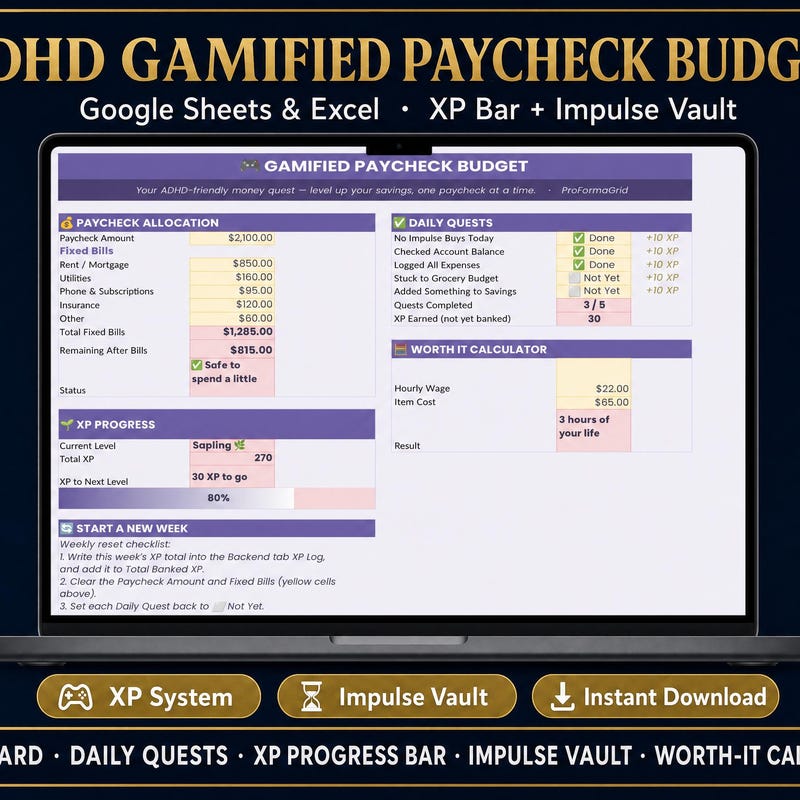
XP Bar · Impulse Vault
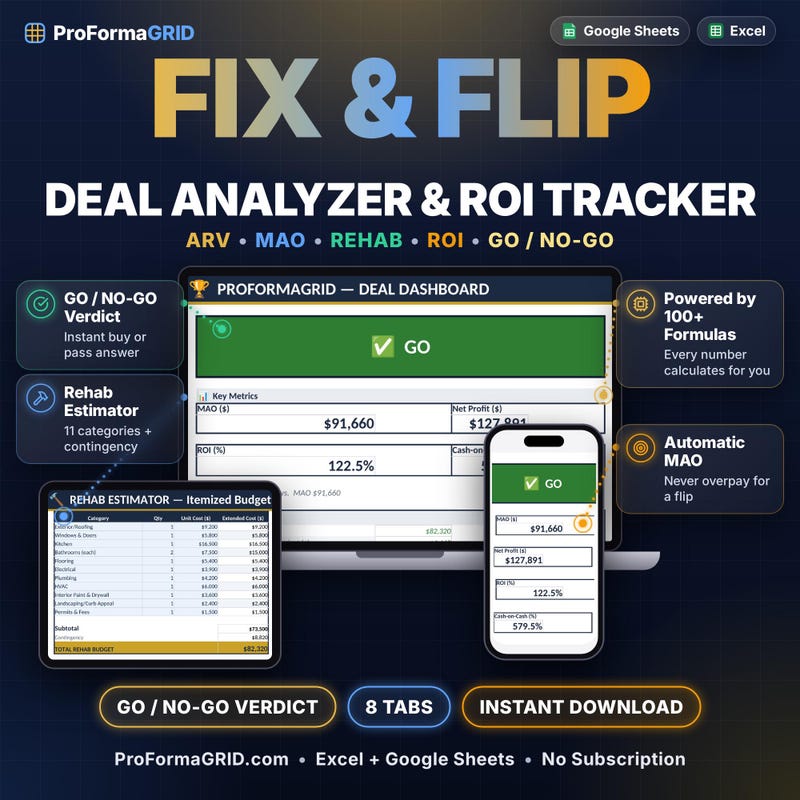
Excel and Google Sheets ROI Tracker
Try a shorter search, or explore another category.
A spreadsheet becomes valuable when its structure matches the work. The right fields, the right relationships and the right view give your information a purpose.
That is why this collection covers specific jobs. Bookkeeping has different needs from recipe costing. A monthly budget asks different questions from a retirement scenario. A project timeline does different work from a daily habit tracker.
Look closely at the template for your use case. Picture your own information in it. The quality that matters most is how well the layout supports the work you will actually do.
Each featured template is named around a job, so you can begin with the outcome you want to organize.
Product descriptions identify the records, planning areas or views that belong to that workflow.
Review the listing previews, included files and requirements before you choose.
These are examples of the workflows in the collection. Review each listing for the exact features and setup.
Your product, your service and your customers deserve attention. So do the expenses, prices, client details and jobs that make the business run. Find a focused place for the details behind your next decision.
Explore business templatesSmall Business Bookkeeping brings those records together in a dedicated spreadsheet workflow. It is a practical starting point when business information has been accumulating in separate places.
Imagine sitting down for a regular review with your records in front of you. You know where to add an expense, where to review invoice information and where to return when you need to look at the business again.
Make keeping records a part of running the business.
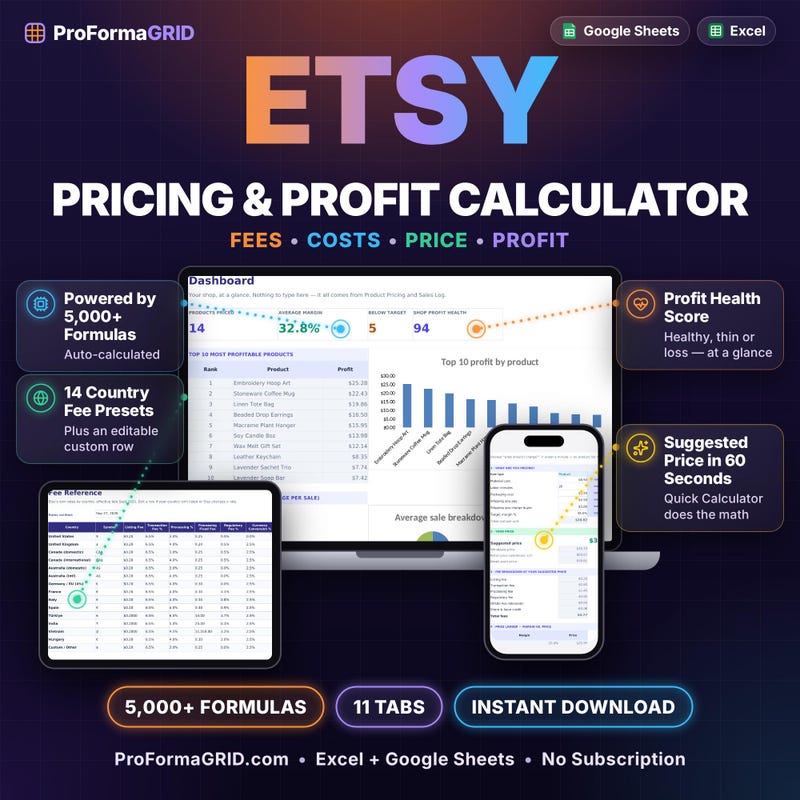
Explore Small Business BookkeepingEtsy Pricing & Profit Calculator focuses on product pricing, fee tracking and wholesale calculations. Bring those questions into a dedicated place before you decide what goes on the listing.
Use it when you are preparing a new product, reviewing a current price or considering a wholesale conversation. The value is in giving the pricing decision a repeatable workflow you can revisit as your inputs change.
Give the price the same care you give the product.
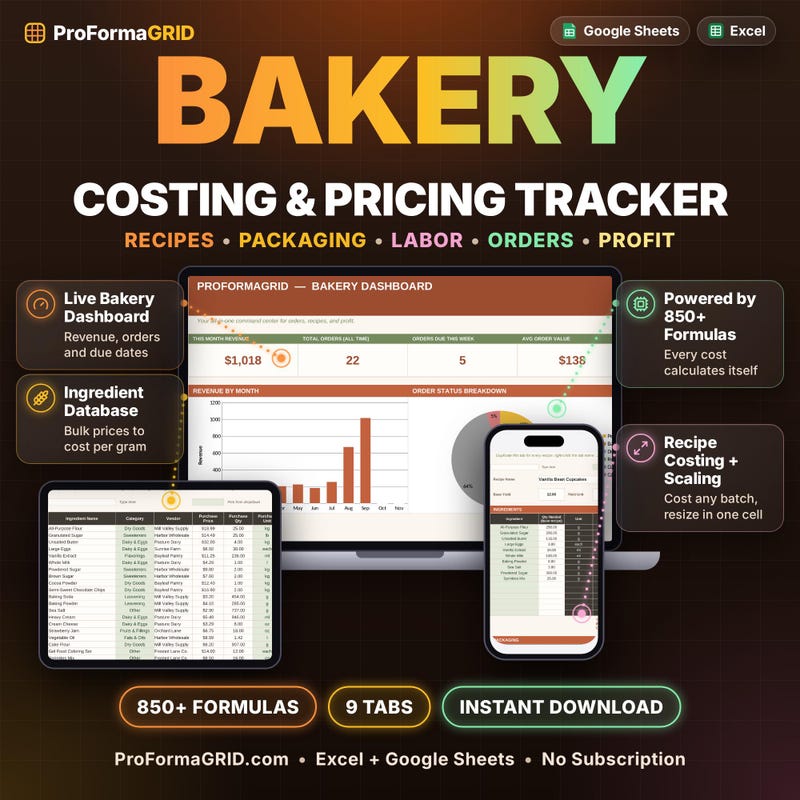
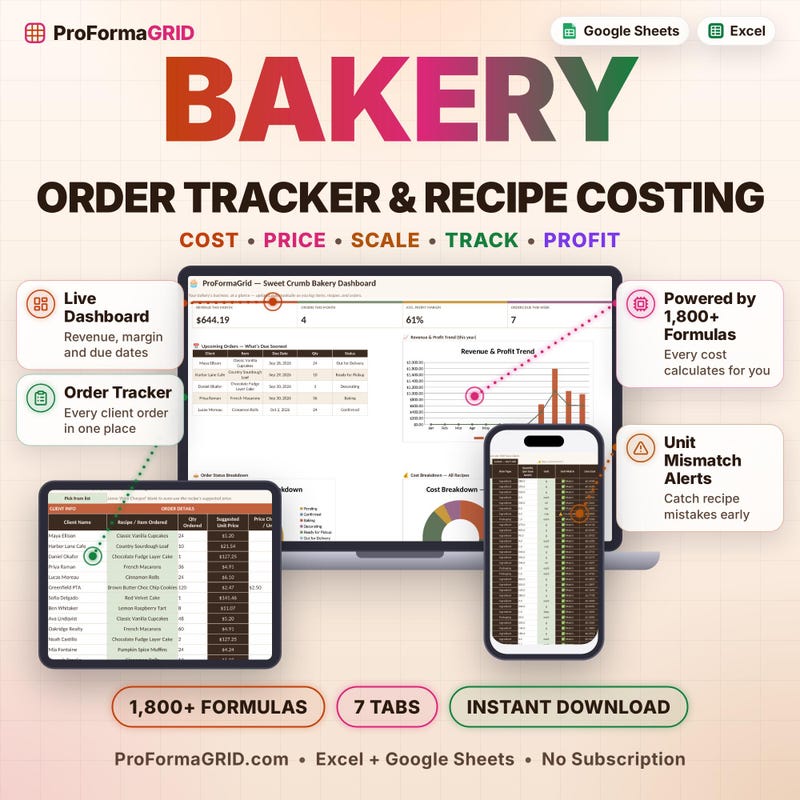
Explore Etsy Pricing & Profit CalculatorBakery Recipe Costing is a spreadsheet for seeing recipe costs and working on pricing for a bakery or cottage food business. Give your recipes a place in your business planning as well as your recipe book.
Return to the costing workflow as you review what you make and what you charge. Keep your own current cost information close to the pricing decision. That makes it easier to have a deliberate conversation with yourself about the product you are putting on sale.
Bake with care. Approach the numbers with care, too.
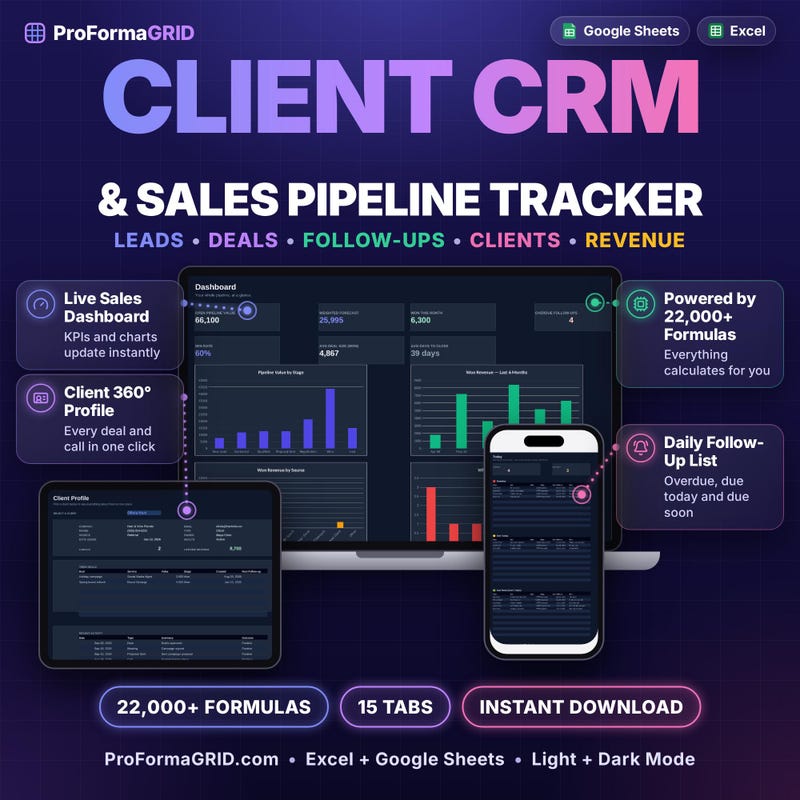
Explore Bakery Recipe CostingClient CRM & Sales Pipeline keeps leads, clients and sales opportunities in one spreadsheet. It gives you a dedicated place to organize the relationships and opportunities you are working on.
Use it as a home for your sales review. Look at the clients and opportunities in front of you, choose who needs attention and prepare for the next conversation. A focused client workflow can become part of the way you keep work moving.
Keep the relationship moving with a clear place to return.
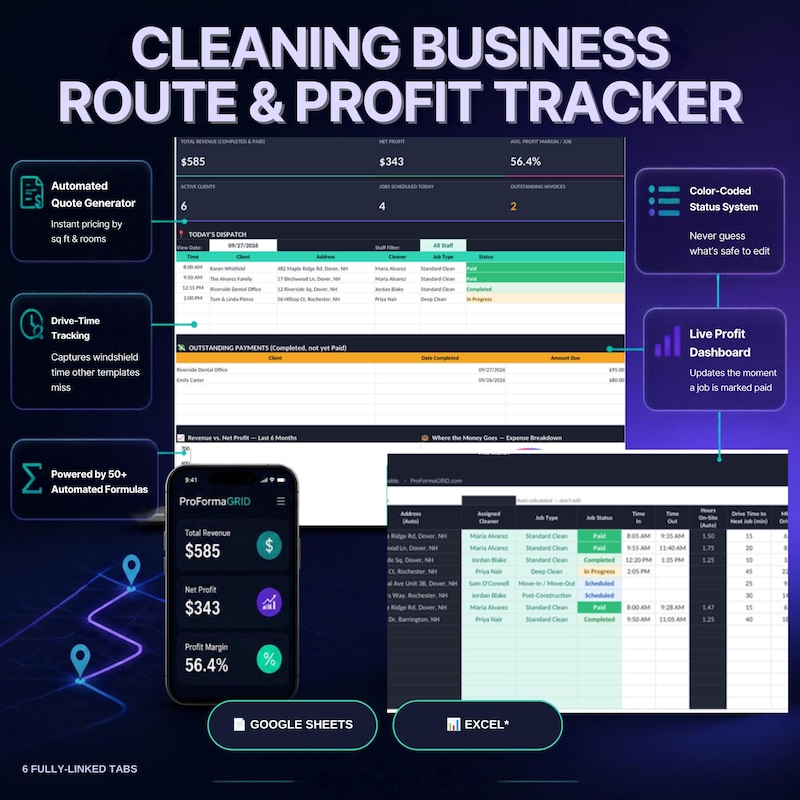
Explore Client CRM & Sales PipelineCleaning Business Route & Profit organizes those working details in a spreadsheet designed around the business. It is a focused choice when you want the job information and route planning to have a place together.
Bring your own information to the workflow as you prepare a quote, plan work or review the jobs you are organizing. Having a consistent place for these details gives your planning session a clearer starting point.
Give the business behind each job a little more structure.
Explore Cleaning Business Route & ProfitThe template you choose can become the place you return to when you work on the business. Give that review a purpose and keep it focused.
Add the expenses, client information, costs or job records relevant to your chosen template. Use information that reflects the work you are doing now.
Which price needs attention? Which opportunity deserves a follow-up? Which records need updating? Choose a question the template is designed to help you organize.
A clearer price to consider. A client to contact. A record to complete. The goal is a decision or action you can carry into the rest of your day.
Build the routine around the work that matters to your business.
Find a business workflow →Monthly spending. Recurring payments. Investment records. Long-term scenarios. Different questions need different views. Choose a template that gives your financial information a focused place to come together.
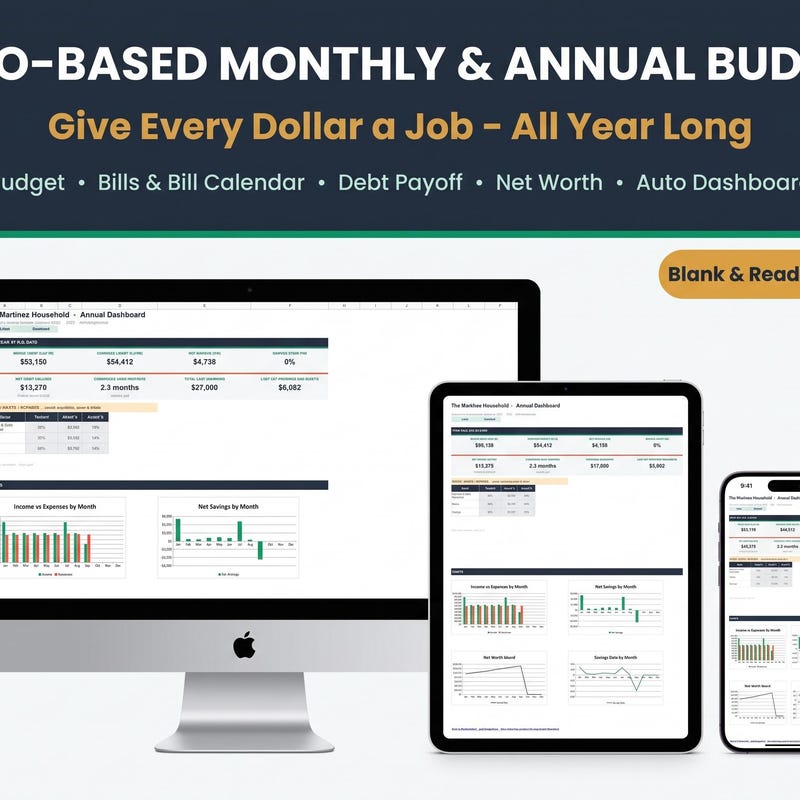
Explore finance templatesZero-Based Budget Planner brings monthly and annual budgets together with bills, debt and net worth. It gives you a spreadsheet workflow for organizing everyday money alongside the bigger picture.
Start with the information you have. Add your own numbers, look at the areas that need attention and return as your circumstances change. A budget becomes more useful when it belongs to a routine you can keep.
Make a little space for your next money decision.
Explore Zero-Based Budget PlannerBill & Subscription Tracker brings recurring bills, subscriptions, paychecks and expenses into one spreadsheet. It is a focused choice when everyday money is the area you want to organize first.
Use your own records to make the recurring commitments visible. When you review them alongside the other information in the workflow, you have a place to think through what you are paying for and what deserves attention next.
The payments you repeat deserve a review you can repeat.
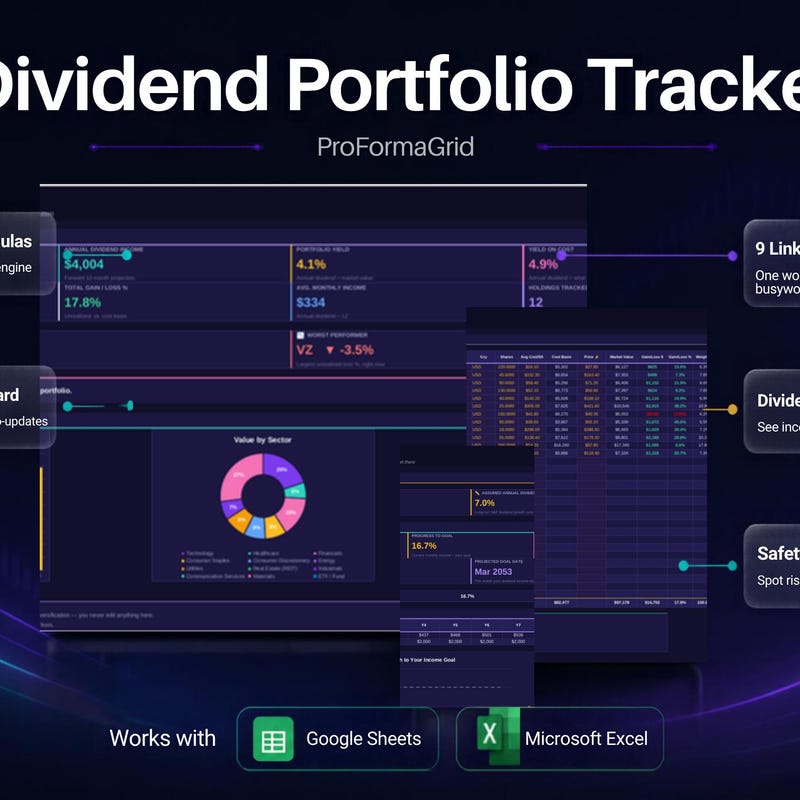
Explore Bill & Subscription TrackerDividend Portfolio Tracker focuses on dividend holdings, passive income and reinvestment planning. Choose it when those are the records and questions you want to organize in a dedicated spreadsheet.
Use current information and review your own assumptions as you work. A clear record gives your portfolio review a place to begin and a structure to return to as the information develops.
Use a focused view for the portfolio questions you are asking.
Explore Dividend Portfolio TrackerFIRE Retirement Dashboard is a spreadsheet for exploring financial independence, net worth and Coast FIRE plans. It gives those long-term questions a dedicated planning space.
Bring your own circumstances and assumptions to the workflow. Review a scenario, consider what it means to you and revisit the information when your plans change. The purpose is to explore the relationship between your numbers and the future you are considering.
Give the goal a place to develop. Treat projections as scenarios.
Explore FIRE Retirement DashboardCrypto Staking Yield Calculator is a dedicated spreadsheet for modeling staking yields and tracking rewards. Use it when you want that calculation and record-keeping workflow in a focused place.
Work with current inputs, review the assumptions and revisit the scenario as those inputs change. Staking yields and actual rewards can vary; the template is a tool for organizing calculations and tracking, with the scope described in its listing.
See the calculation clearly. Keep expectations tied to your assumptions.
Explore Crypto Staking Yield CalculatorStart where your attention already is. A focused template is easier to evaluate when you can name the job you want it to do.
For everyday planning, explore the budget and bill templates. For investment records, look at the dividend or staking workflow. For a longer horizon, review the FIRE dashboard.
You can begin with one need and one useful routine. Your first step can be as simple as gathering the information you want to understand.
Find my finance templateAn idea. A deadline. A task you want to finish. A habit you want to return to. Planning gives those intentions a visible home, and gives you a place to pick up the next step.
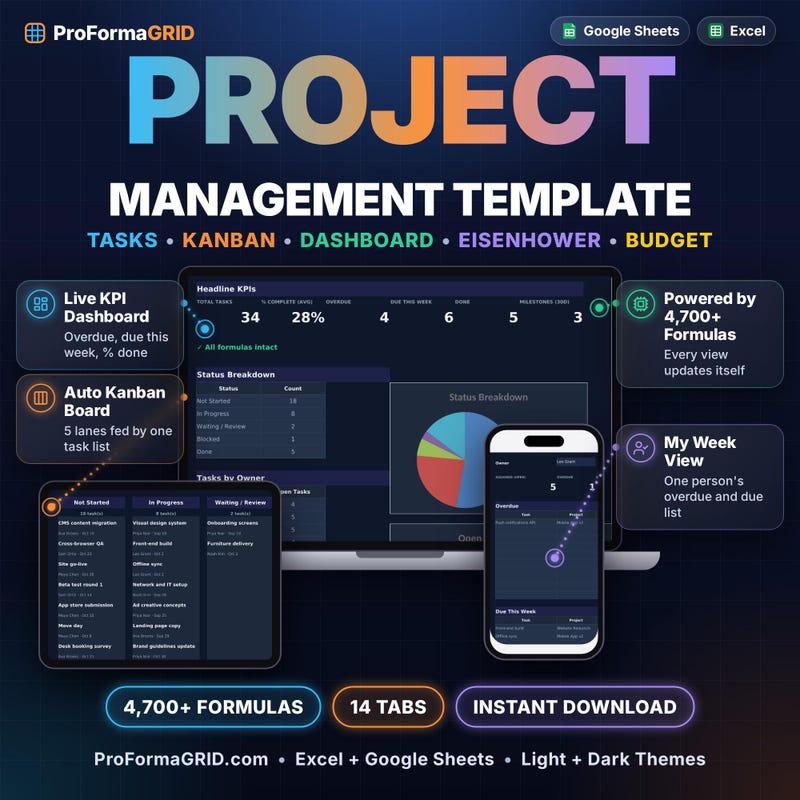
Explore planning templatesProject Management Workspace combines task and project organization with Gantt, Kanban and priority planning views. It gives you several ways to look at the work you are organizing.
Use it when a project needs a clearer place for the tasks and the plan. Bring your information in, review the view that helps you understand the moment and choose the next work to move forward.
Find a useful view. Give the next step your attention.
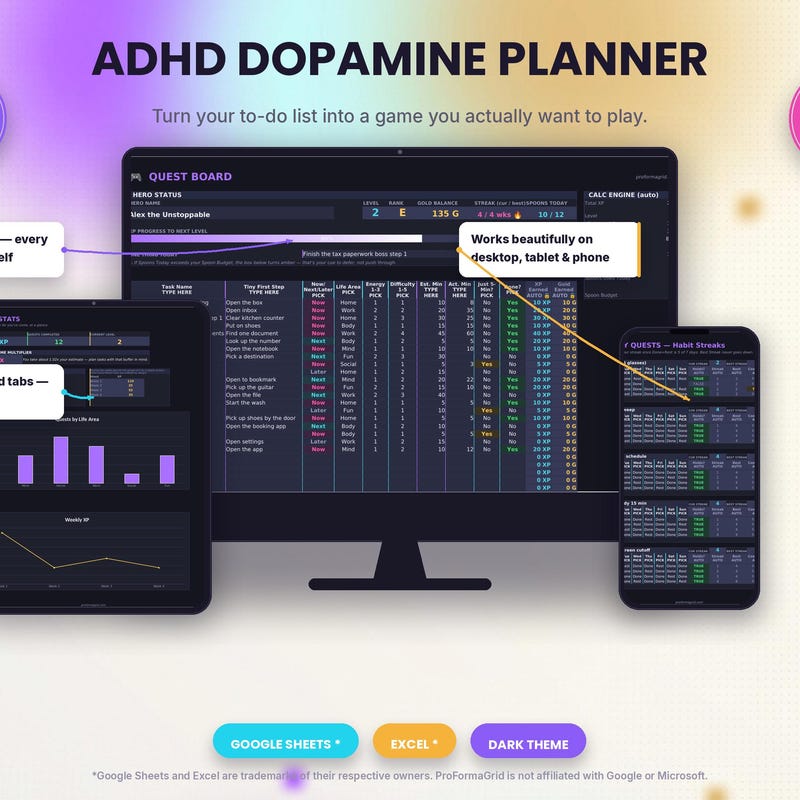
Explore Project Management WorkspaceADHD Task & Habit Planner offers a gamified spreadsheet approach to tracking tasks, habits and progress. Explore it if that style of organization appeals to you and fits the way you want to plan.
Give the tasks and habits you choose a visible home. Return to the workflow, update your information and look at the progress you are recording. Keep the routine focused on what is useful for you.
Choose a planning style you want to open again.
Explore ADHD Task & Habit PlannerA template gives you a structure. Your routine brings it into your day. Keep the first review small enough to do, and useful enough to repeat.
Use your chosen template as the home for one specific workflow. Give yourself an easy point of return.
Bring in the latest records, task details or planning inputs. Work with the information that matters now.
Choose what you want to understand today. Keep the review connected to the template's purpose.
Finish the review with a decision, an action or a clearer question. Then return when the workflow needs you again.
Your records, your costs, your tasks and your assumptions give the template meaning. A focused layout becomes a place for the details of your actual day.
Spreadsheets give information a visible structure. Choose a product whose layouts and calculations match the way you want to review that information.
A monthly budget review feels different from preparing a project plan. Choose a template around the job, then decide when you want to return to it.
Many listings include Excel and Google Sheets formats. Check the specific product for the files and software you need.
Explore the collectionBefore a spreadsheet can help you, you have to decide what belongs in it. What to track. How the pieces relate. Which view helps you understand the work.
A template gives you a starting structure around a defined purpose. That is the part you are choosing: a place to begin the workflow, populated with your own information.
Look for the template that already speaks the language of the problem in front of you. Recipe costs. Recurring bills. Client opportunities. Project priorities. Specific work deserves a specific starting point.
Use the need that feels most familiar. Follow the link to inspect the actual listing, previews and included files.
| I want to… | Explore this template |
|---|---|
| Bring business expenses and records together | Small Business Bookkeeping |
| Work through product prices and fees | Etsy Pricing & Profit Calculator |
| See the costs behind my recipes | Bakery Recipe Costing |
| Organize leads, clients and opportunities | Client CRM & Sales Pipeline |
| Plan cleaning jobs, quotes and routes | Cleaning Business Route & Profit |
| Organize monthly and annual money plans | Zero-Based Budget Planner |
| Review recurring bills and subscriptions | Bill & Subscription Tracker |
| Track dividend holdings and reinvestment plans | Dividend Portfolio Tracker |
| Explore financial independence scenarios | FIRE Retirement Dashboard |
| Model staking yields and track rewards | Crypto Staking Yield Calculator |
| Organize a project with multiple views | Project Management Workspace |
| Track personal tasks, habits and progress | ADHD Task & Habit Planner |
Choose a job that already shows up in your life. A recurring bill review, a product pricing decision or a project planning session gives the template a natural place in your routine. Start with that real need.
Match a template to my need →Begin with the workflow that needs attention now. You can inspect each template individually, review its scope and make a focused first choice. One relevant starting point is enough to begin.
Compare the templates →Use the product previews and description to check the fit. Picture your own records or tasks in the layout. Confirm the included format and software requirements before purchasing.
Inspect the listings →Ask through Etsy Messages from the shop page before buying. Name the product and explain the detail you want to understand. A specific question is a good way to make a more confident choice.
Open the shop →The fit between the structure and the work. Look at the records, views and calculations described in the listing. Choose the starting point you would be glad to have when the next review comes around.
Look at what matters →You can begin by naming the question, gathering the information and choosing the workflow. Follow the product's instructions and bring your own details into the template at a pace that works for you.
See the next steps →Search by the job you want to do, explore a collection, and review each template’s automated features and formats.
Add templates to your cart and check out with Visa, Mastercard, Amex, Apple Pay, or Google Pay via Stripe, or buy on Etsy.
Get immediate access to your ready-to-use Microsoft Excel (.xlsx) workbook and Google Sheets copy link.
Bring the records or planning details relevant to your chosen template. A first review has a clearer direction when you know what you want to put into the workflow.
Review the files and instructions supplied with the product. Understand the layout and setup before adding or changing information.
Choose a current need: review a price, organize a month, look at a project. Use that question to guide your first session and your next step.
A useful beginning can be simple. Give one workflow your attention.
Find the right beginningYes! You can add templates to your cart and check out securely via Stripe using any major credit card, debit card, Apple Pay, or Google Pay, or purchase through our official Etsy shop.
Our spreadsheet templates are built for both Microsoft Excel (.xlsx) on Windows/Mac and Google Sheets in any browser.
Yes. Every template is a 100% one-time purchase ($1.99 to $34.99 USD) with lifetime personal or internal business use and zero monthly subscription fees.
Immediately after payment confirmation, your private order page provides one-click download links for your Excel workbook and Google Sheets setup PDF.
The best choice is the template whose purpose fits your need and whose files fit your setup. Give yourself a clear view of both.
Open the listing, look through the previews and read the description. Check the software requirements and purchase terms. If a detail matters to your workflow, ask about it.
Then choose with a clear understanding of the product you are bringing into your day.
Review the collectionThe next pricing decision. The next monthly money review. The next project you want to move forward.
Picture opening a focused place for that work. Adding the latest information. Seeing the details together. Choosing a next step.
That is a useful reason to start.
Your next review deserves a place to begin.
Find my templateYour business. Your money. Your plans. Choose a spreadsheet template around the question you want to answer—and make the next review a little clearer.
Excel & Google Sheets templates · Instant digital download · Secure checkout.