Multi-site edition Up to 15 sites
Training Compliance Command Center
Requirement profiles by role and site, manager action lists and sessions.
$59.99
Training Matrix Tracker
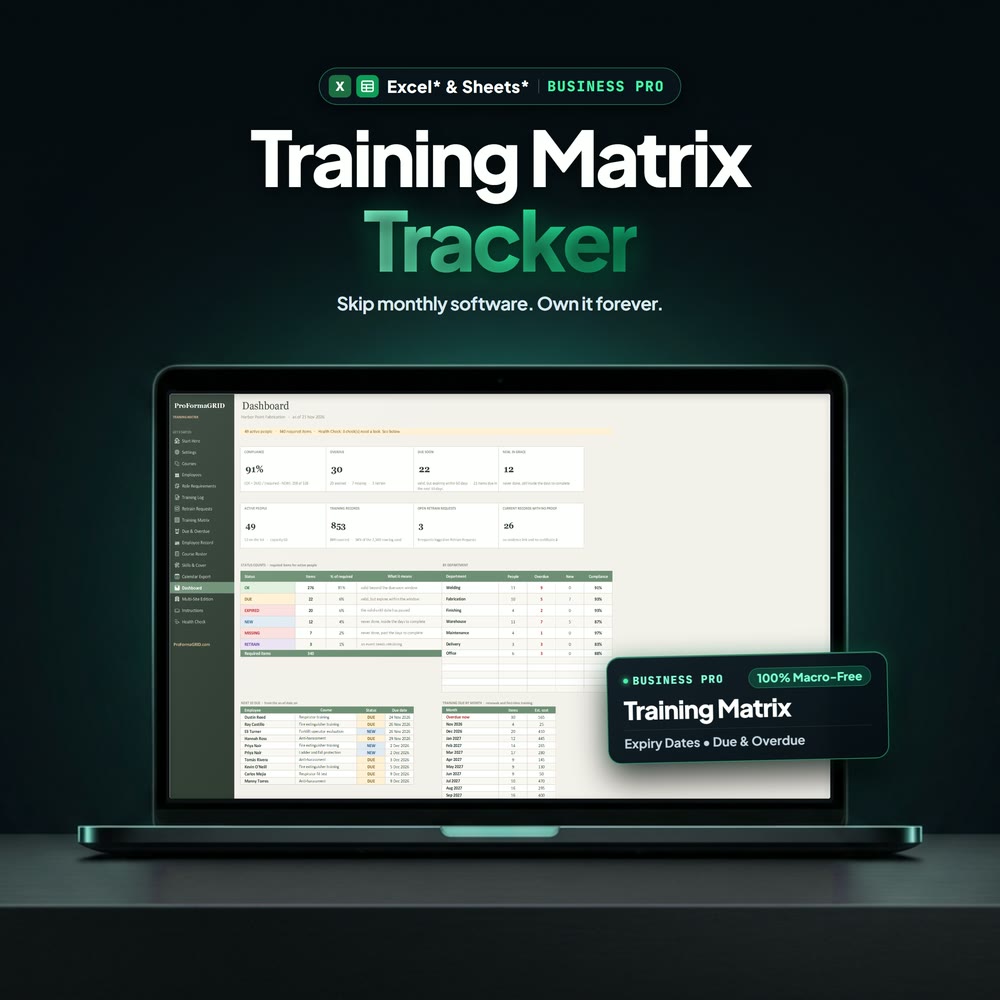
Type your courses with how long each one stays valid, the courses each role needs, and your people. Log each completion as it happens. The tracker works out every person's status for every required course, counts what is overdue or due soon, and lists it soonest first so you know who to book next.
Live workbook preview — pre-built formulas, charts, and formatting included.
Edition
Small team editionUp to 60 people$14.99Multi-site editionUp to 15 sites · Training Compliance Command Center$59.99Excel* & Google Sheets*
Type your as-of date and due-soon window on Settings, your courses and how long each is valid on Courses, and the courses each role needs on Role Requirements. Add your people on Employees. Log every completion on Training Log, then check the Training Matrix, Due & Overdue and the Dashboard each week.
01 Dashboard
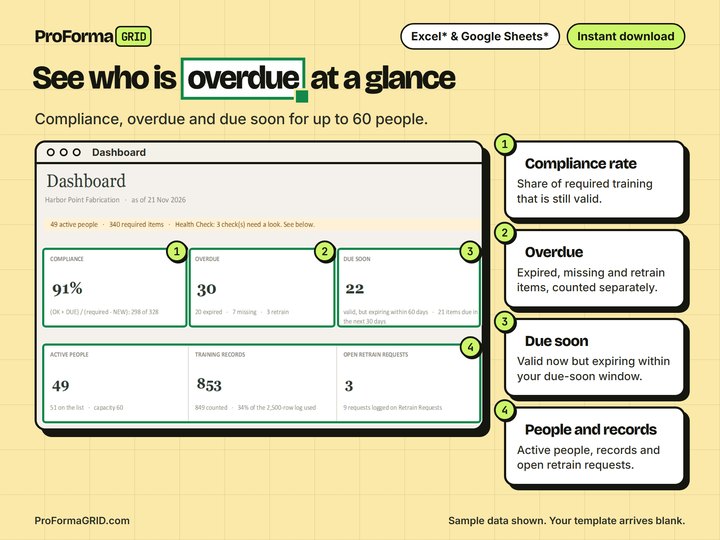
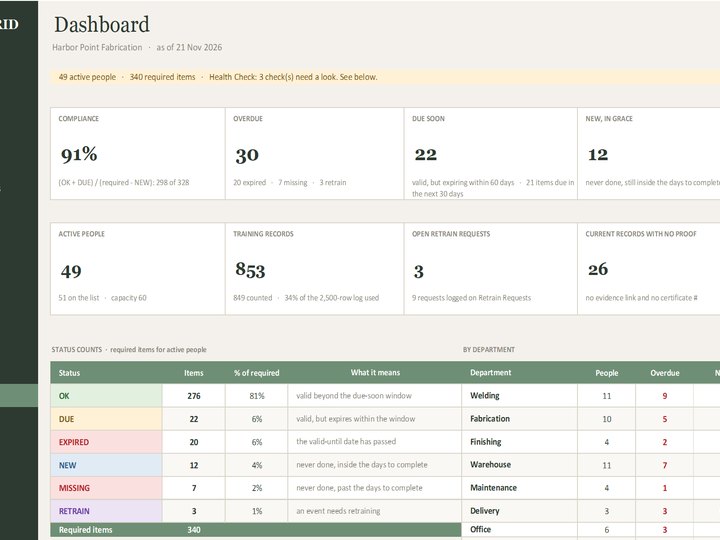
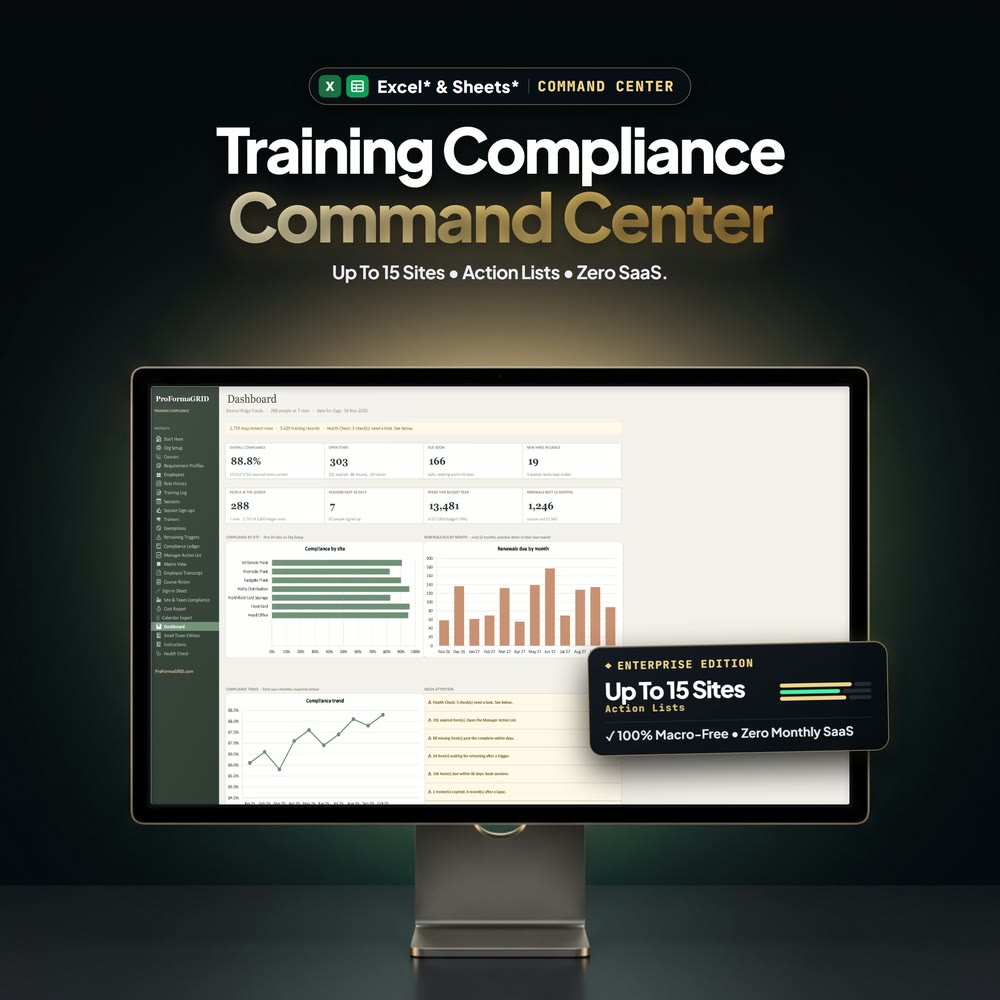
Compliance, overdue, due soon and new-hire items, with status counts, compliance by department and course, the next 10 due and the training due each month.
02 Training Matrix
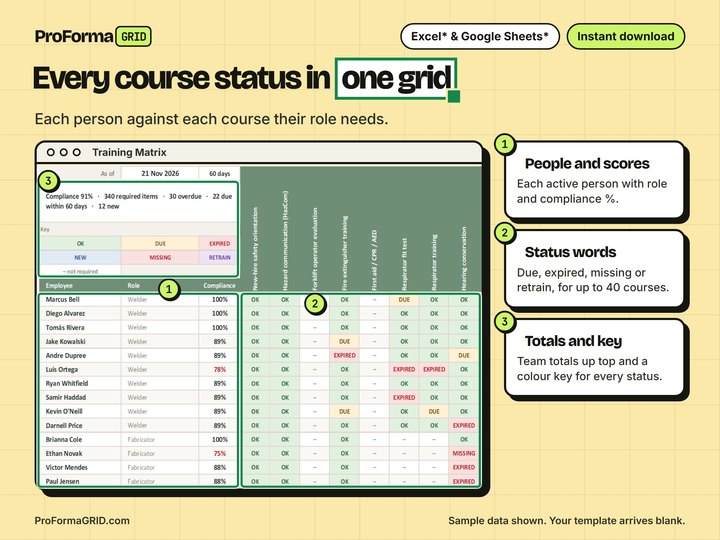
Each active person against each course their role needs: OK, due, expired, new, missing or retrain, with each person's compliance and team totals at the top.
03 Due & Overdue
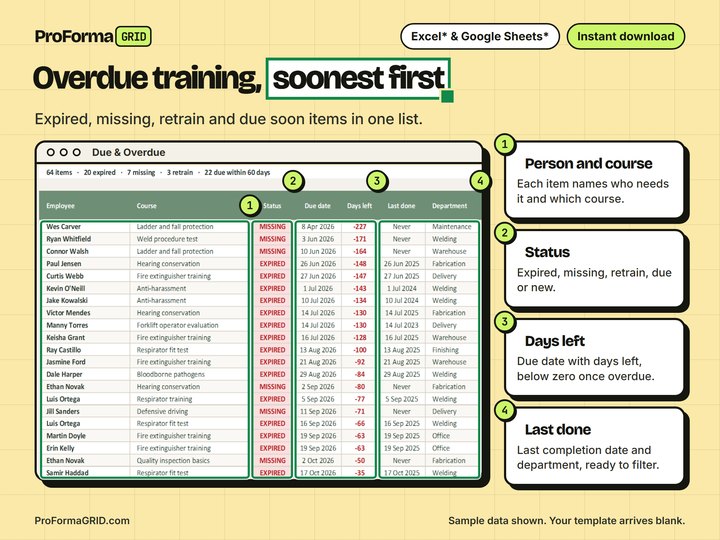
Everything expired, missing, needing retraining or due within your window, with due date, days left, last done, department and supervisor, ready to filter and print.
04 Course Roster
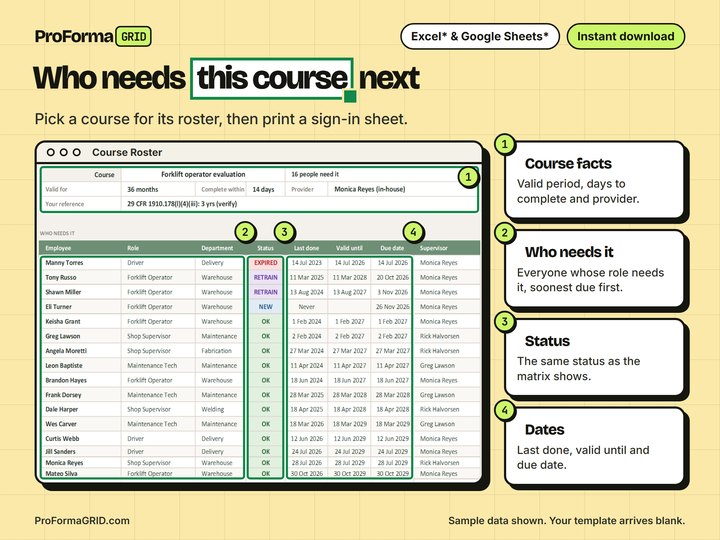
Pick a course to see everyone whose role needs it, soonest due first, with status, last done and valid-until dates, then print a sign-in sheet.
17 pre-built, interconnected worksheets included in both Excel* and Google Sheets*.
Excel* & Google Sheets* digital bundle — ready for instant use
Instant digital download: your Microsoft Excel* (.xlsx) workbook, a one-click Google Sheets* copy link PDF and a step-by-step instructions PDF.
Up to 60 people, 40 courses, 20 roles and 2,500 training records in one file.
No. You type which courses each role needs and how long each stays valid. The sample file shows example courses and intervals; check the rules that apply to your business.
No. It lists what is due and overdue and can export due dates for your calendar. It does not send emails.
Yes. The Training Compliance Command Center covers several hundred people across several sites, with requirement profiles, sessions, exemptions and manager action lists. The Multi-Site Edition tab inside this workbook shows it.
The Training Matrix Tracker includes ready-to-use files for both Excel & Google Sheets. Every formula, chart, dashboard, and all 17 connected worksheets (Start Here, Settings, Courses, Employees, Role Requirements, Training Log, Retrain Requests, Training Matrix, Due & Overdue, Employee Record, Course Roster, Skills & Cover, Calendar Export, Dashboard, Multi-Site Edition, Instructions, Health Check) are pre-built and ready the moment you open your file.
Professionals, business owners, and individuals looking for a ready-to-use training matrix tracker in Microsoft Excel and Google Sheets. Type your as-of date and due-soon window on Settings, your courses and how long each is valid on Courses, and the courses each role needs on Role Requirements. Add your people on Employees. Log every completion on Training Log, then check the Training Matrix, Due & Overdue and the Dashboard each week.
It is a 100% one-time purchase ($14.99 USD) with lifetime personal or internal business use — zero recurring subscription fees, zero locked cells, and no add-ons required.
Immediately. Your download links appear right on your private order confirmation page seconds after checkout via credit card, Apple Pay, or Google Pay. Bookmark your order page to re-download anytime.
Excel*, Google Sheets* and YouTube* are trademarks of their respective owners.
Requirement profiles by role and site, manager action lists and sessions.
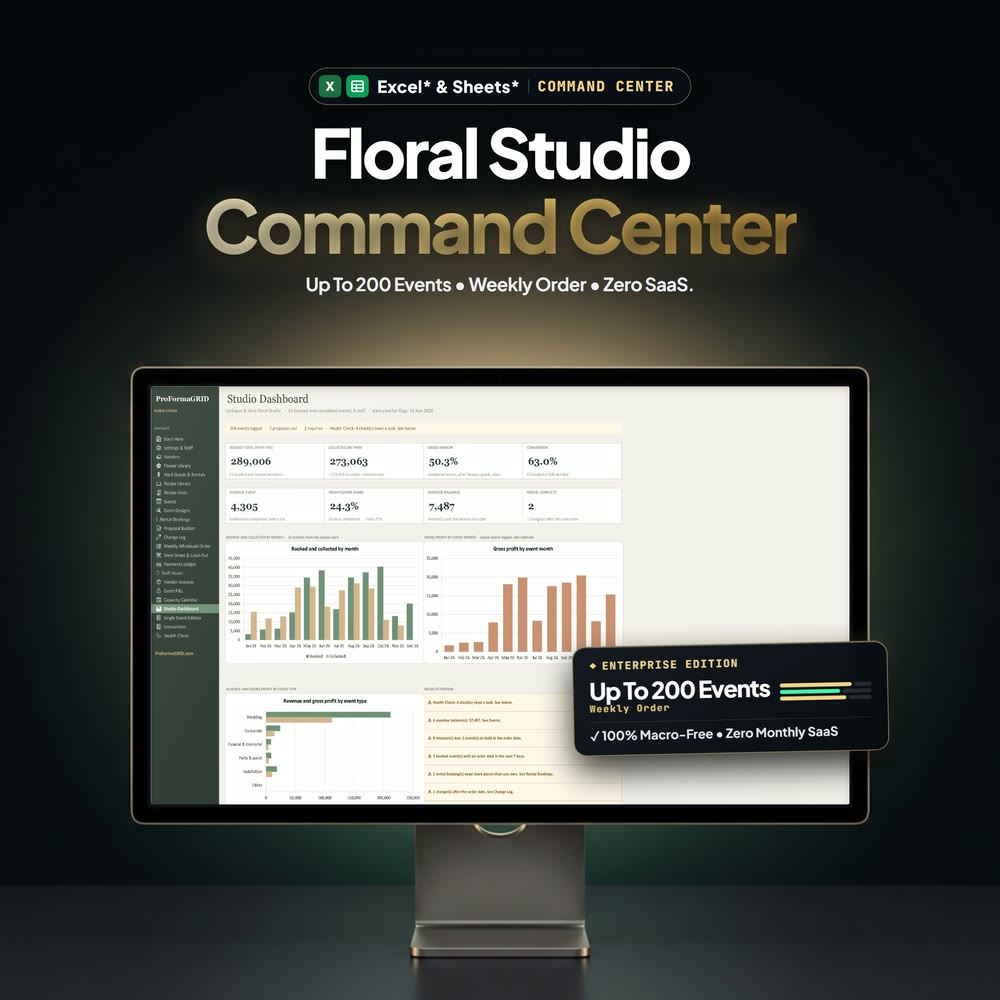
An events pipeline, a recipe library and one combined wholesale order a week.
Smaller edition · $16.99Wedding Florist Recipe Calculator →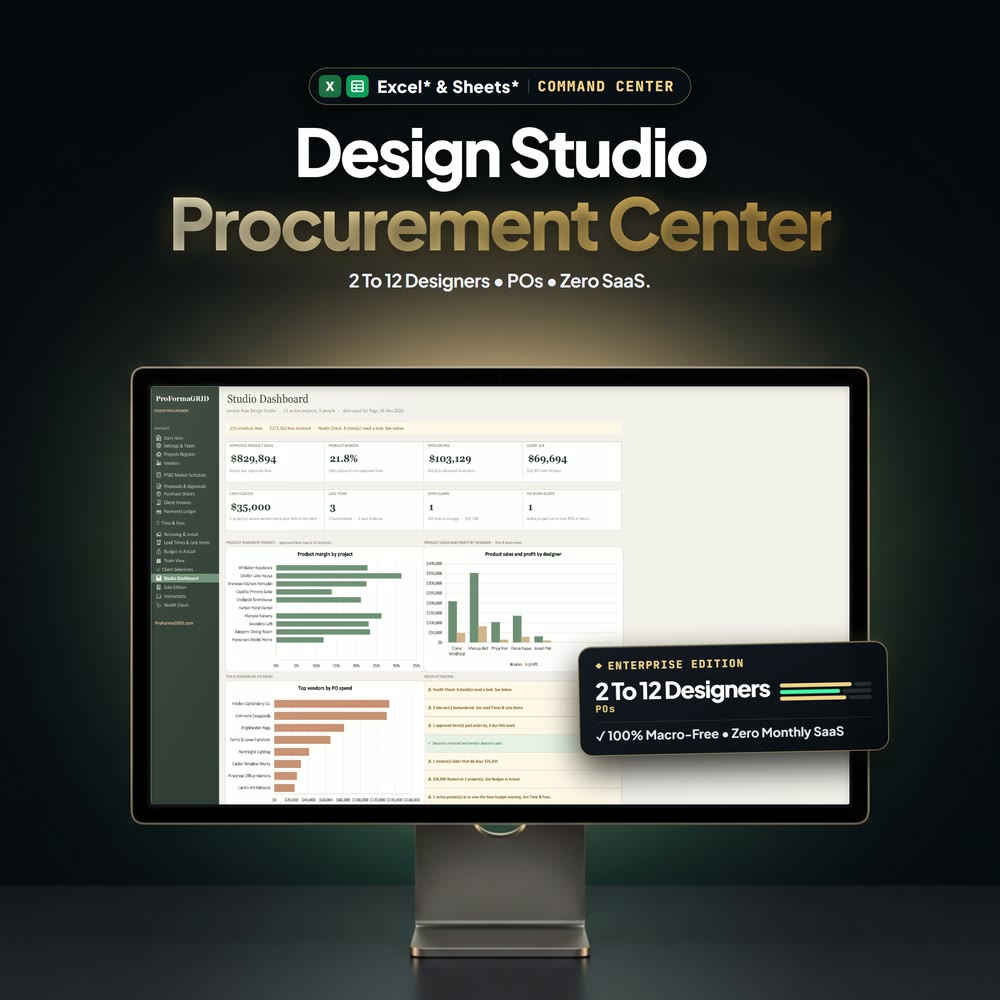
One FF&E schedule feeds proposals, purchase orders and client invoices.
Smaller edition · $14.99Interior Design FFE Tracker →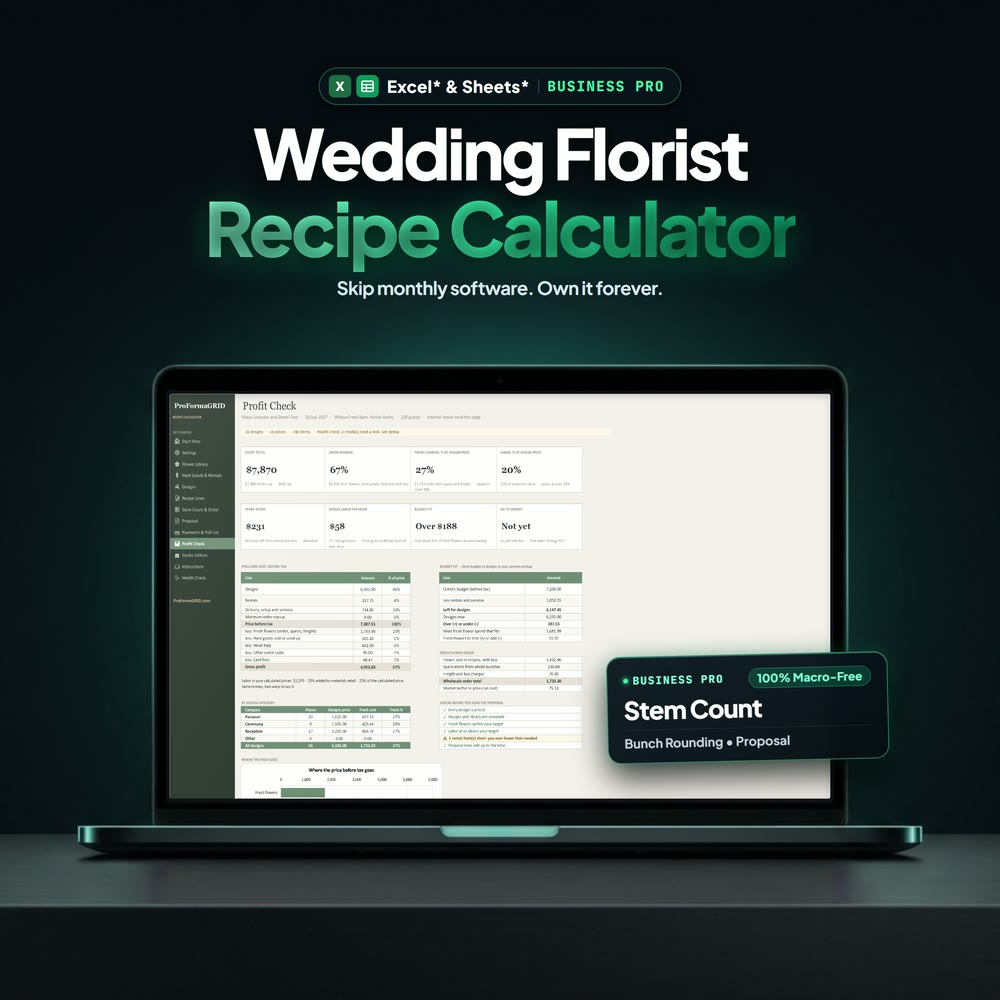
Price one wedding or event from your flower recipes: stems per design, loss, whole bunches to buy, spare stems, the wholesale order by vendor, a client proposal with no costs on it and a profit check before you send it. Microsoft Excel and Google Sheets. One payment, no subscription.